13
cuff and power off the monitor.
4.3 Install system (Smart mobile terminal)
4.3.1 Hardware requirements:
Operating system requirements:Android system 2.3.1 or higher versions,Apple IOS
system IOS 6.0 or higher versions.
Handhold terminal requirements: Iphone 4S or above versions for Apple mobile phone,
Ipad Mini, Ipad 3 or higher versions, Ipad Touch 5 or higher versions; With handhold
terminal of Android system, e.g. Samsung, Lenovo, Huawei, Xiaomi, Coolpad phone with
480X800 or above resolution of the display screen
Memory requirements: software size is about 1.64M and need about 3.74M installing
EMS memory.
4.3.2 Installation of software
For Android system handhold terminal, users could log on
Hingmed website http:// www.hingmed.com or Android APP
platform, download and install “Hingmed blood pressure”
software.
For Apple IOS system handhold terminal, Users log on App
Store, download and install “Hingmed blood pressure” software.
The icon appears on the screen of handhold terminal
means a successful software installation.
4.3.3 The Bluetooth matching and connection
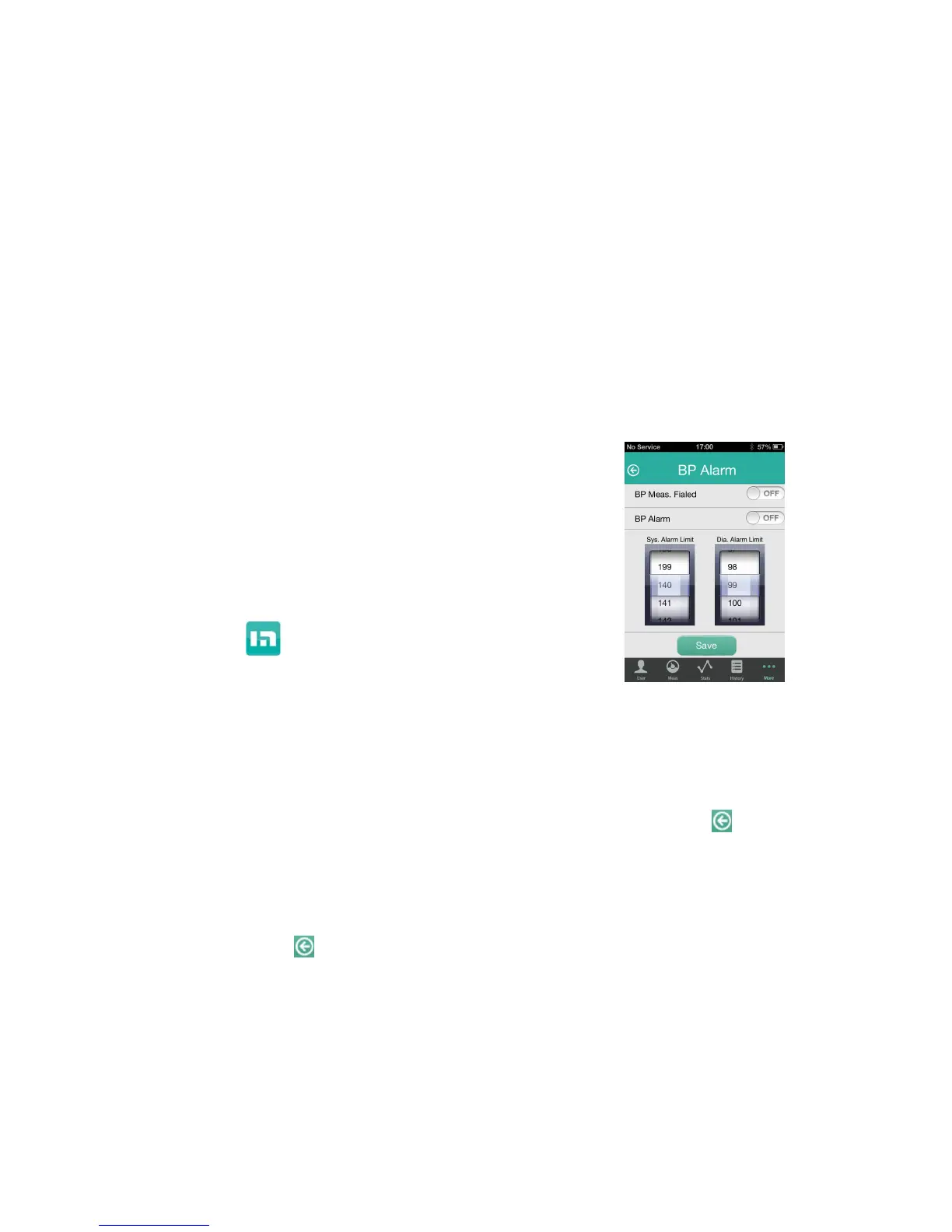
For Android phone, enter “Setting”---“Bluetooth” (at the time, keep the Bluetooth of
monitor open), search the Bluetooth of monitor (“Hingmed WBP”) and make pairing. Click
to open software APP and enter “More” ---“Bluetooth setting” and choose “Hingmed
WBP” to connect monitor and mobile phone. After successful connection, click to exit
and click ”Measurement” to log in measurement interface. See Fig 4.
For Apple phone, open software App directly and enter “More” ---“Bluetooth setting” and
choose “Hingmed WBP” to connect monitor and mobile phone. After successful
connection, click to exit and click ”Measurement” to log in measurement interface.
See Fig 4.
Fig 4



 To Next Page