15
4.4.4 Store and retrieve measuring data
If keeping connection between monitor and handhold terminal through Bluetooth, the
data will be transmitted to handhold terminal continuously from monitor. If Bluetooth is
disconnected and reconnected, the lost data will be transmitted automatically.
User can click “Data backup” on “More” interface to backup the data on SD card (Note:
IOS system has not this function).
4.4.5 Finish measurement and data derive
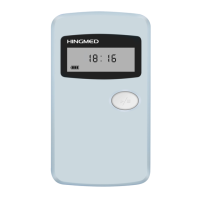
Press “start/stop” button for 5 seconds to finish measurement if user wants to finish the
measurement before end time. Power indicator light of host and the light of Bluetooth
also close.
Note:
1. Operation details of Mobile phone software of Hingmed Wearable Ambulatory
Blood Pressure Monitor, please refer to < User Guide of APP software >;
2. The monitor could store maximum 300 hundred records. When storage is full,
the monitor can’t save data normally until programming it from smart mobile
phone.
Chapter 5 Troubleshooting and Maintenance
5.1 Troubleshooting
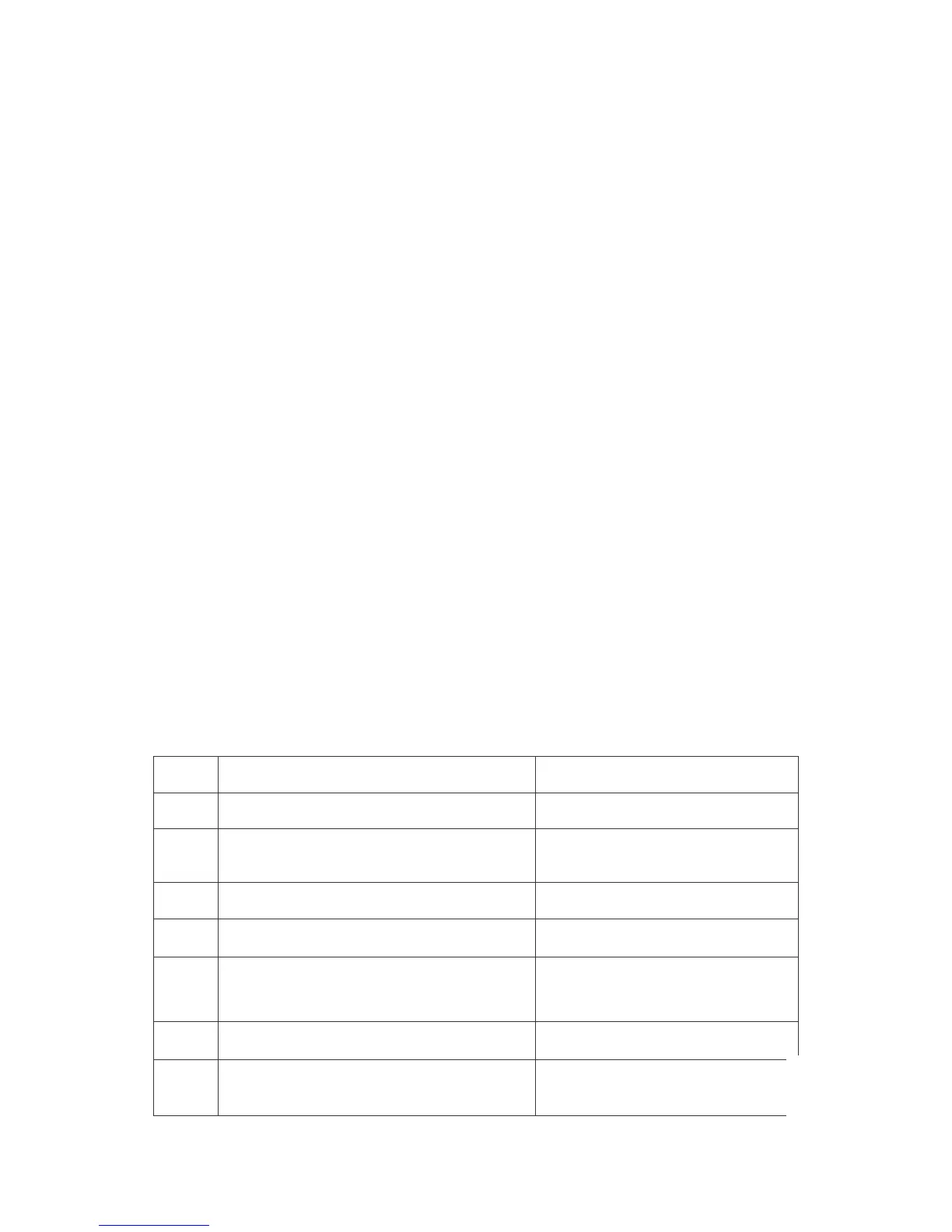
Code
Description Resolution
EC01
Cuff is too loose, maybe loose winding or
disconnected cuff
Retighten cuff or keep proper arm
position when inflation
EC02
Air leakage, maybe valve leakage or gas
path leakage
Tighten metal connector and check
the cuff. If leakage is not still
resolved, contact agent or dealer
EC03
Air pressure error, maybe unable to open of
valve
Check whether the valve can work
normally
EC04
weak signal,maybe week pulse or loose
cuff
Check whether the cuff is too loose,
tighten it if necessary.
EC05
beyond the limit,maybe the pressure of
subject beyond the limitation
Press “start/stop” button to measure
again. If not valid still, change the
monitor of larger rang
EC06
Excessive exercise,maybe there is too
much motion artifact or interference
Keep quiet when measured and do
not move the arm with cuff
EC07
overpressure,cuff pressure beyond
290mmHg in adult mode, 247mmHg in child
mode and 145mmHg in neonatal mode
Press “start/stop” button to measure
again.



 To Next Page