28
Installation RSPE30/32/35/37
Release
16
04/2019
1.5 Ethernet ports
You can connect end devices and other segments to the device ports using
twisted pair cables or optical fibers (F/O).
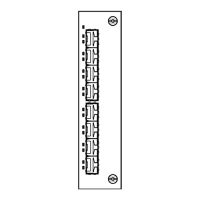
Note: By using media modules, you obtain up to 16 additional Fast Ethernet
ports.
You will find more information on the media modules in the “User Manual for
Installation of RSPM”.
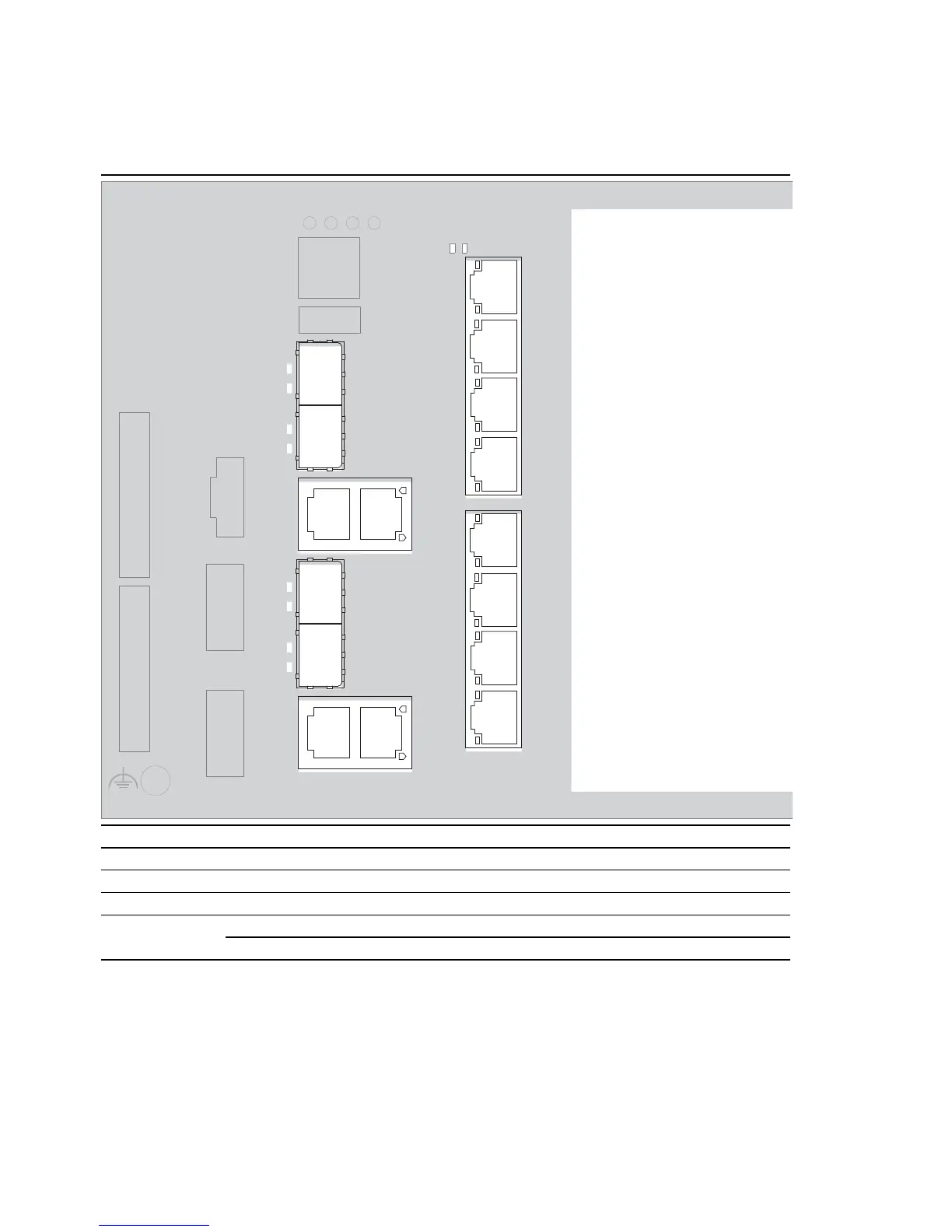
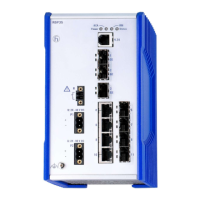
Port 1 GE/FE Combo port 1 for Gigabit Ethernet and Fast Ethernet
Port 2 GE/FE Combo port 2 for Gigabit Ethernet and Fast Ethernet
Port 3 GE/FE Combo port 3 for Gigabit Ethernet and Fast Ethernet
Port 4 GE/FE Combo port 4 for Gigabit Ethernet and Fast Ethernet
Ports 5 to 12 Twisted pair port for Fast Ethernet
PoE-capable for the device variants RSPE32 and RSPE37
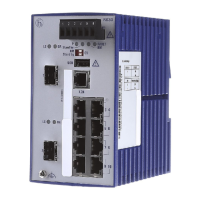
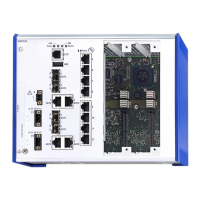
Table 6: Arrangement of the Ethernet ports on the device



 To Next Page