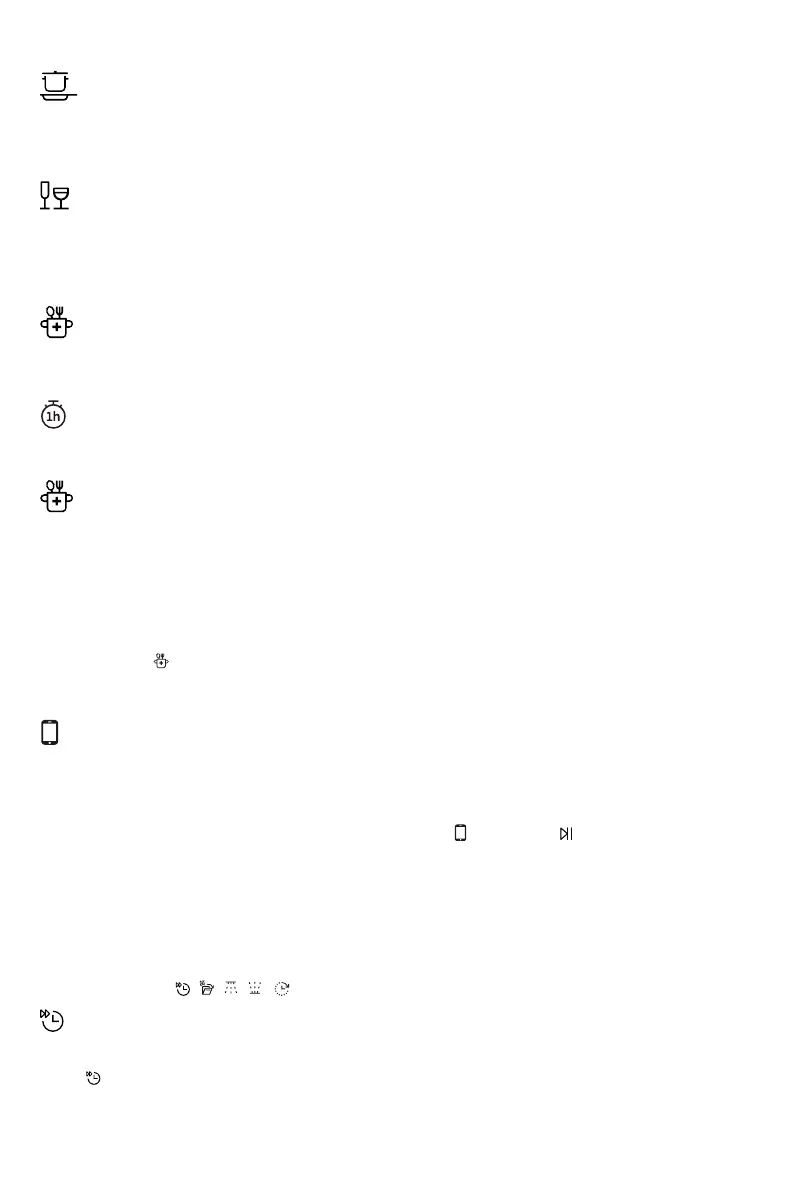
Intensive 70°
Glass 40°
Hygiene 70°
Self-clean (Hold
until CLn is shown on the display to select the program. When
A program with a high temperature for dissolving grease on very dirty dishes, such as pans, casserole
dishes and oven dishes. If these dishes do not completely fill the dishwasher, you can add plates and
other dishes.
A gentle dishwashing program with a low temperature for washing fragile items made of crystal/glass.
Remember to use a small amount of detergent and to place items so that they do not touch each
other during the wash. See also Fragile dishes in the chapter Loading the dishwasher. Porcelain that
has just been used without dried leftovers can also be washed using this program.
This program is ideal to use where demands on hygiene are extra high, e.g. for baby bottles and
cutting boards. The temperature is high both in the main wash and in the final rinse.
This program should be run (with no dishes in the machine) using normal dishwasher detergent or
citric acid. Special dishwasher cleaners are also available on the market. For the removal of limescale
15
Quick (Hold
A shorter wash for lightly soiled loads that do not need drying.
Self-cleaning program for hygienic cleaning of the dishwasher tub, spray arms and spray pipes.
1h 65° 3 Sec.)
Hygiene 70° 3 Sec.)
Connect (WiFi)
You can remote control this dishwasher with your smartphone/tablet. Connect the dishwasher to your
wireless network to be able to remote control and start the dishwasher using the ConnectLife app.
See the chapter, WiFi connection.
To remote start the dishwasher, close the door and press , then press . APP will flash on the
dishwasher display.
In the ConnectLife app, select and start a program. The remaining time will appear on the dishwasher
display when a program is remote started.
) to activate them. (The available options vary between programs.)
Press the options (
,
Select option
, , ,
Speed+
to activate the option. The program time is updated on the display.
Not available for: Auto 45-65°, Glass 40°, Hygiene 70°, Self-clean, Quick
This option shortens the program time, but uses more energy and water.
Press
deposits, see Dishwasher tub in the chapter Care and cleaning.
The dishwasher will indicate at regular intervals that Self-clean needs to be run.
Press and hold for 3 seconds
Self-clean cycle runs, display shows CLn and remaining washing time alternatively.



 To Next Page