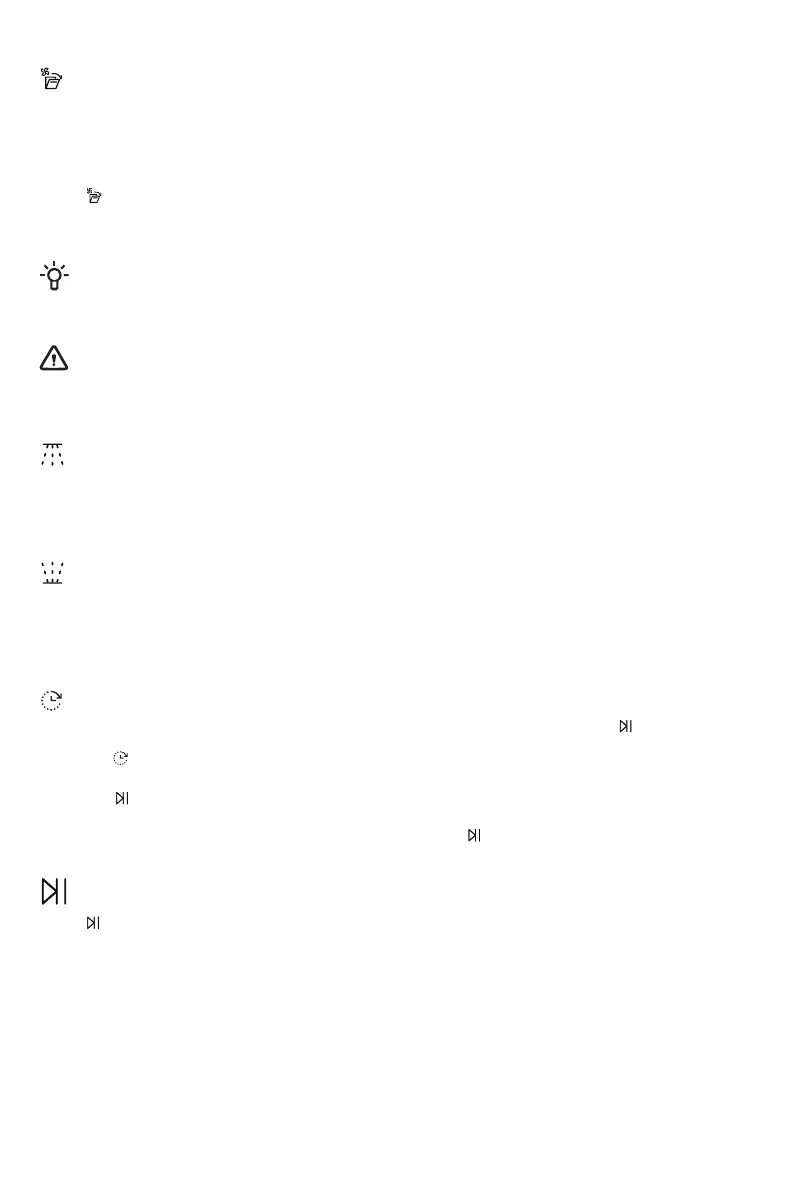
Smart Dry
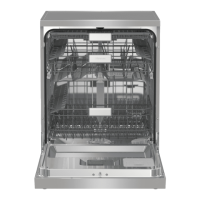
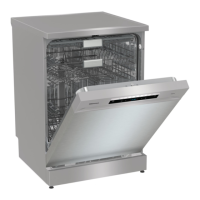
The dishwasher door and fan dry open automatically, which improves drying results. Wait until the
dishwasher indicates that the program has ended and the dishes have cooled before unloading the
(If the dishwasher is built-in, surrounding furnishings must be resistant to any
condensation from the dishwasher.)
Press to activate the option, which is indicated by an indicator light.
Not available for:
NOTE!
For the best drying results, do not close the door before the drying phase has finished and the
machine has automatically switched off.
WARNING!
The dishwasher door must not be blocked or closed when opened automatically. Doing so may
damage the door lock mechanism. Wait at least 5 minutes before closing the door.
Upper Wash
Lower Wash
When you select Lower Wash, only the lower spray arm is activated. The upper spray arm will not
operate.
When you select Upper Wash, only the upper spray arm is activated. The lower spray arm will not
operate.
When you select Delay start, the dishwasher will start 1-24 hours after you press .
1.
Press once to activate Delay start. Press several times, or hold it on, to set the desired number
of hours. The time for Delay start is shown on the display.
. The timer counts down and the dishwasher starts after the selected delay.
If you want to cancel the Delay start option, press and hold for three seconds.
Delay Start
2.
Press
Start/Pause/Stop
Press . The display starts counting down.
To remote start the dishwasher, see the chapter, WiFi connection.
16
Intensive 70°, Glass 40°, Hygiene 70°, Self-clean, Quick
Not available for: Auto 45-65°, Self-clean
Not available for: Auto 45-65°, Self-clean
dishwasher.



 To Next Page