46
CP-X2511N(C15I-25N2) / CP-X3011N(C15I-30N2) / CP-X4011N(C15I-40N2) / CP-X2011N(C15-20N2) / ED-X45N(C15-20N2)
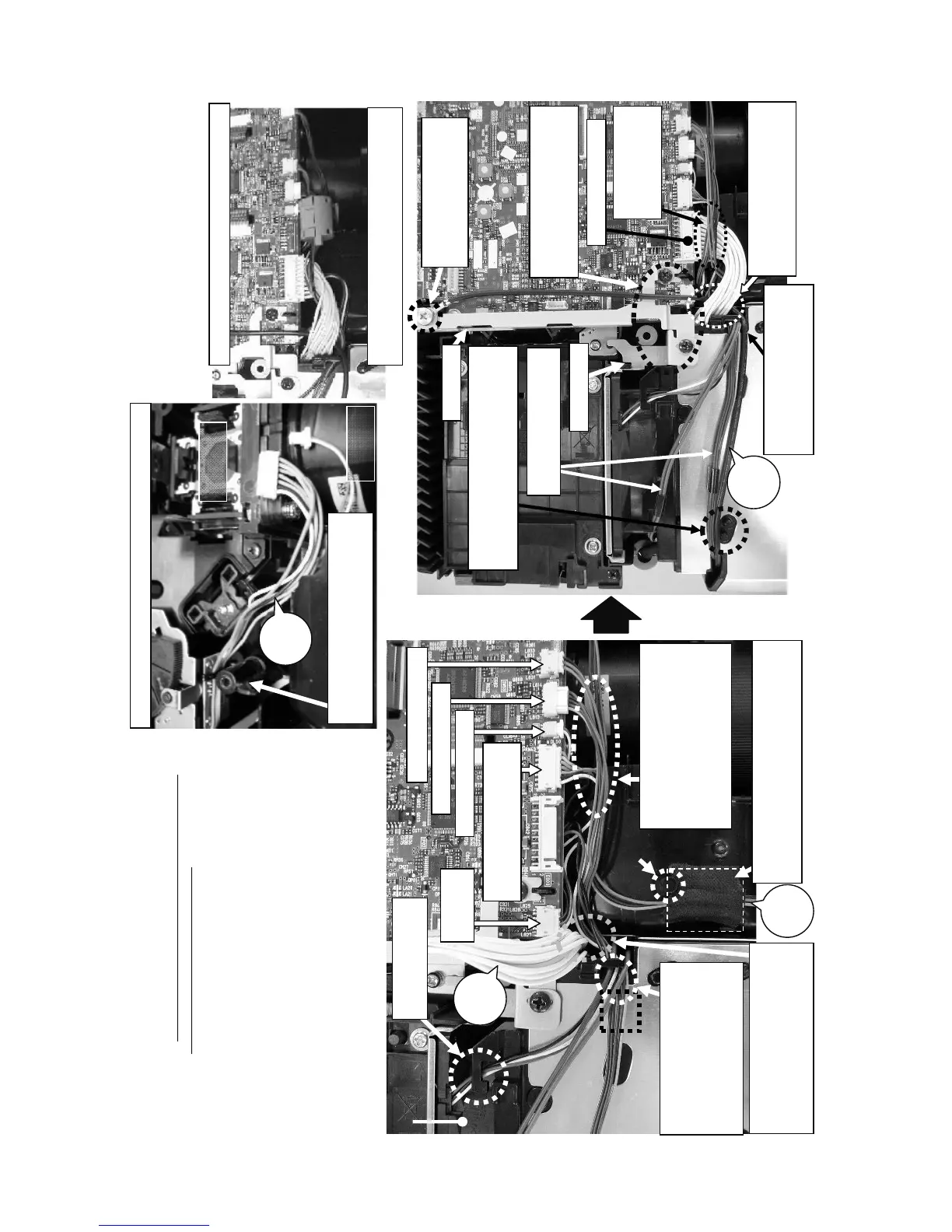
Wiring diagram 8
Wiring around main board 1
(1) Connect #3010, #3030, CNBAR, CNBAT and CNPW
(2) Connect CNIR (for CP-X2511N, CP-X3011N and CP-X4011N only)
(2) Attach FE21 (for CP-X2011N and ED-X45N only)
(3) Fasten CNGD1
Connect the CNPW.
Cross the CNBAR
and #3010 over
the CNPW.
Earth metal
F-Guard metal
Do not pinch any wires when
you attach the earth metal
and the F-Guard metal.
Do not let the CNBAR
and the CNTS loosened.
Fasten the CNGD1 and
the Earth Metal to the I/O
metal with a screw.
Do not pass the CNGD1 into
the claw here because the
wire could be damaged.
Do not pass the CNGD1 and the
CNBAR over the boss. Otherwise, they
could be pinched by the upper case.
CNGD1
Cross the CNGD1, the
CNBAR, the #3010 and the
#3030 under the CNPW.
ZTP5
Pass the #3030 cable
into this claw here.
CNPW
If these cable wires are
loosened in this area, put their
excessive lengths under the
main board. Otherwise, the
wires might be pinched into the
upper case and damaged when
the u
Pass the #3010 between the boss and the Power
Supply block, and secure it with a tape.ZTP5 in
order not be pinched into the upper case.
Wire the CNBAR, CNTS and
#3030 so that the CNPW is
placed between the main board
and those of cables.
Connect the CNIR.
(No connector in CP-X2011N
and ED-X45N
Connect the CNBAT.
Connect the CNBAR.
Connect the #3010.
Connect
the #3030.
LCD Prism
Assembly
Pay attention not to pinch the IRIS
cable between this boss and the
main board.
Projection
Lens
IRIS
cable
Work for CP-X2011Nand ED-X45N only
Work for CP-X2511N, CP-X3011N and CP-X4011N only
Attach the ferrite core FE21 to the CNBER and the
#3010. Make sure to lock the claw of the FE21 firmly.


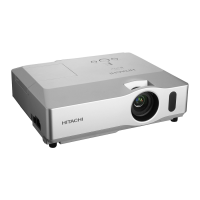
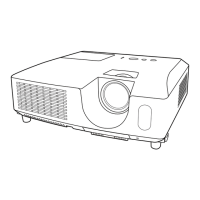
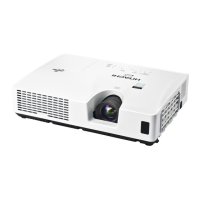

 To Next Page