Section 4
Enjoying the Playback Mode
Button Function
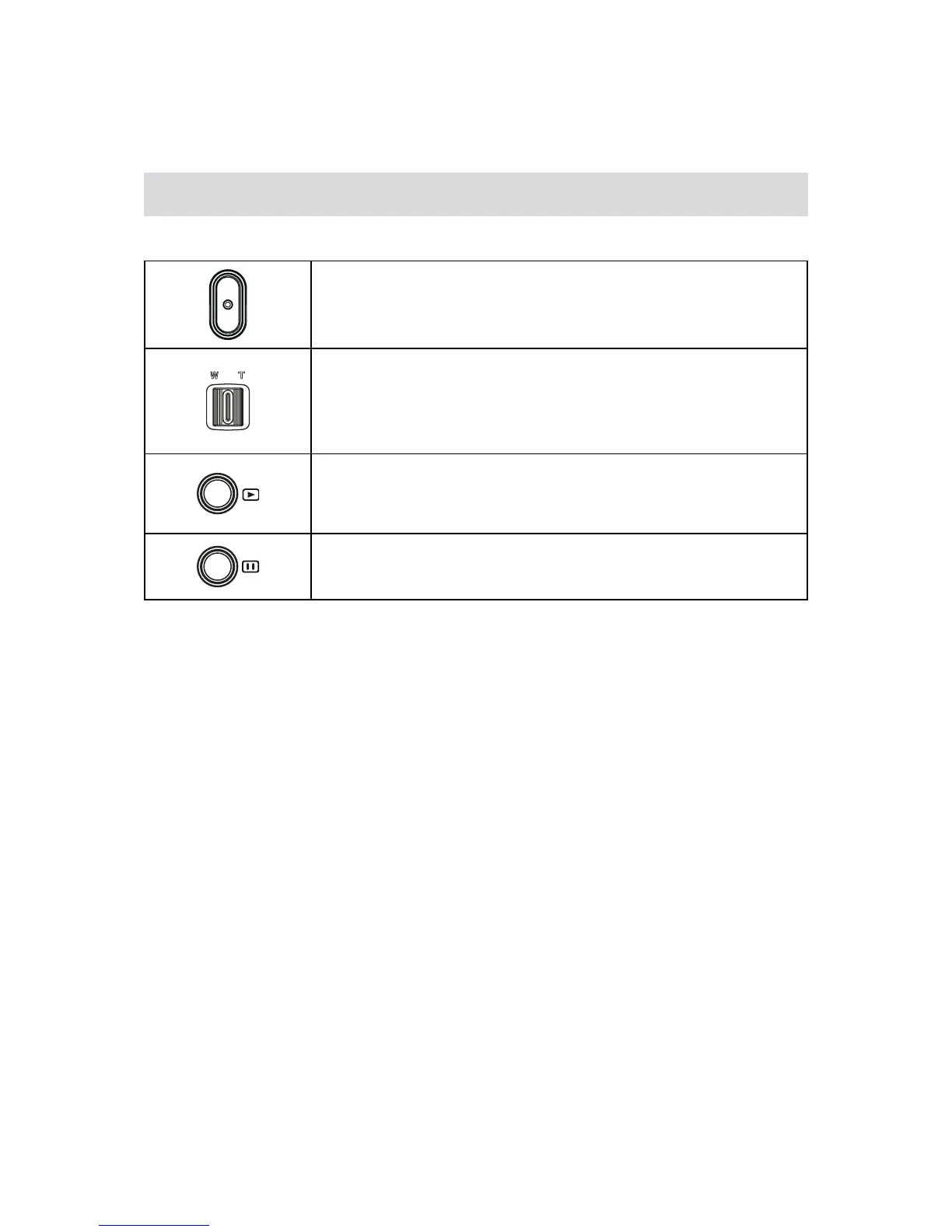
The Buttons have the following functions in Playback Mode.
Video Button:
Switch to Record Mode.1.
Tele Button:
Zoom In.1.
Wide Button
Zoom out.1.
Playback Button:
SwitchbetweenRecord/PlaybackMode.1.
For quick review, press it after recording.2.
Pause Button:
In Video Playback Mode, press to pause the recorded video.1.














 To Next Page