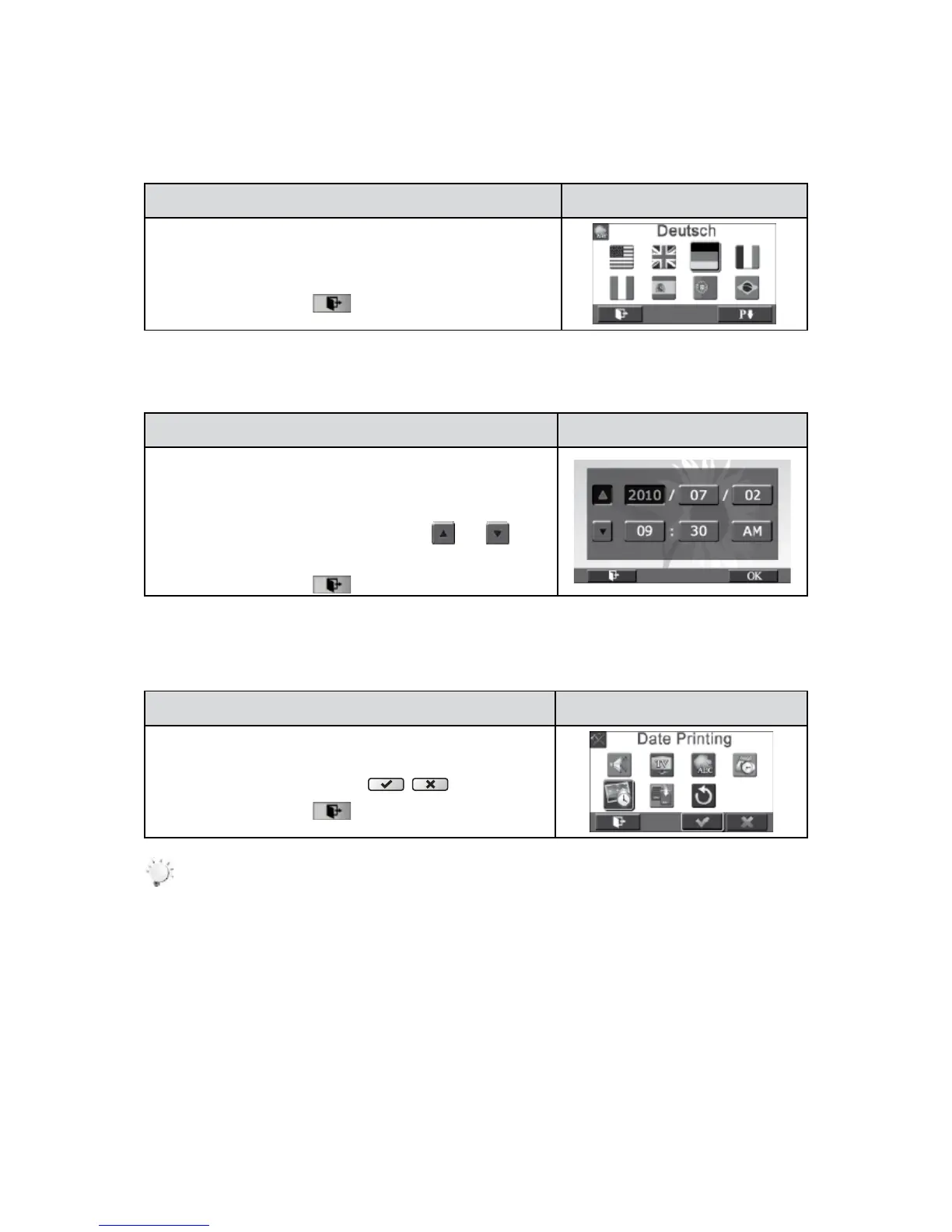
Language
Use this option to select the language of the user interface.
Operation Display Screen
In the Setting menu, touch the [Language] icon on the 1.
screen.
Touch to select the desired option.2.
Touch the Exit icon 3. (
) to exit.
Time Setting
Operation Display Screen
In the Setting menu, touch the [Time Setting] icon on the 1.
screen to enter the time setting screen.
TouchYear,Month,Day,Hour,Minute,andAM/PMtoset.2.
Adjust the numeric value by touching 3.
/
Touch the [OK] icon to validate the setting.4.
Touch the Exit icon 5. (
) to exit.
Date Printing
Imprint the date and time on the video and photo.
Operation Display Screen
In the Setting menu, touch the [Date Printing] 1. icon on the
screen.
Touch to select [On] or [Off] 2. (
).
Touch the Exit icon 3. (
) to exit.
Note
Date Printing function can not be used when Slow Motion function is activated.•













 To Next Page