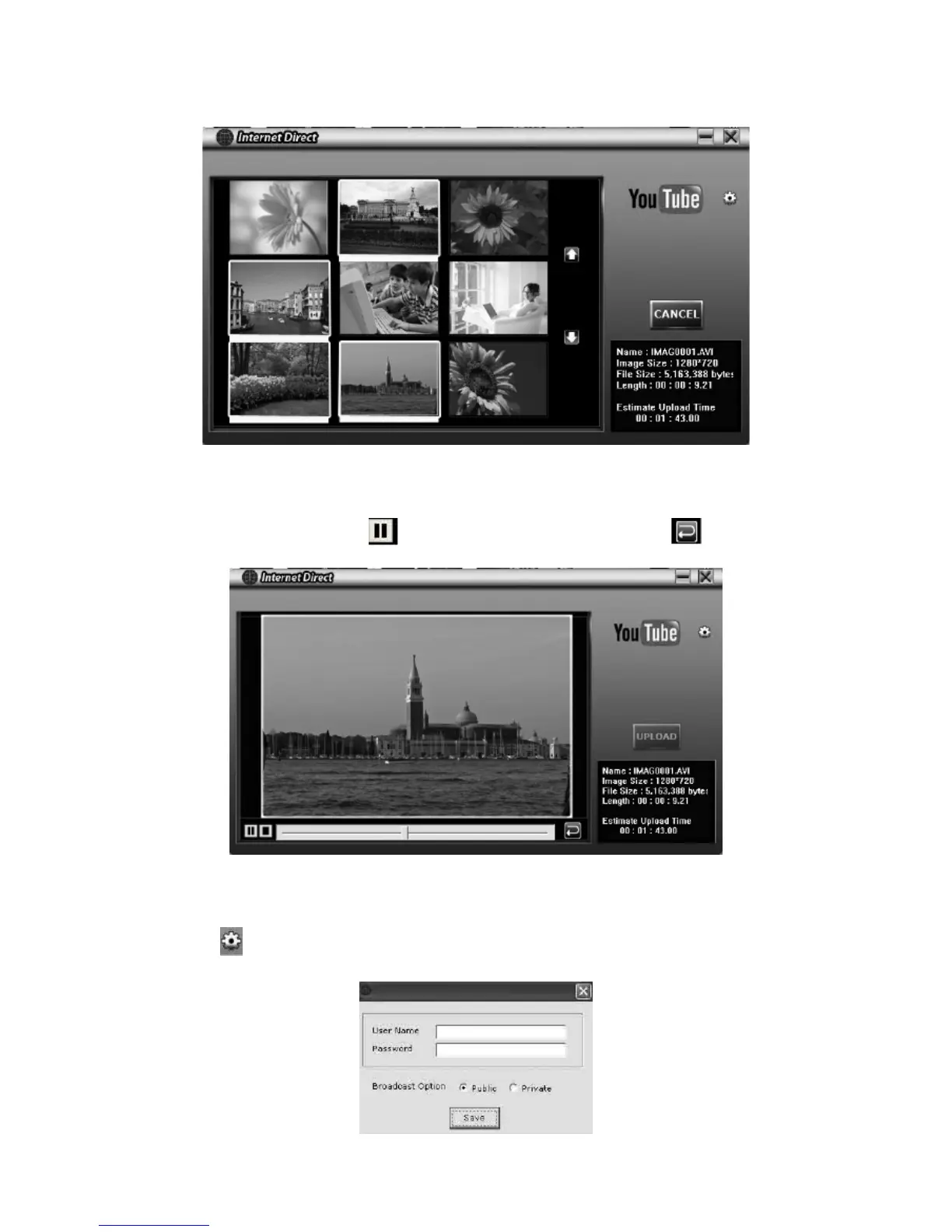
Click on “ CANCEL” to stop uploading. 6.
To playback the video le:
Double click on the video clip on the thumbnail screen. 1.
Click on the Play/Pauseicon2.
to play/pause. Clickon the Return icon to return to the
thumbnail preview screen.
To setup your account information for the website:
1. Click on
to go to the setup screen.
2. Fill in your account information in the blanks. Then click on “Save”.
(Ifyoudonothaveaaccount,pleasesignuponthewebsiterst.)














 To Next Page