5-6 ●Checking the functions which can be performed
5.5 Checking the functions that can be performed
(1) Functions
●Checks if each function is accessible or protected.
●When protected, the administrator sets protection using the login function beforehand.
●For protected functions, the corresponding operation buttons are not displayed or the corresponding
screens cannot be entered.
●If executable functions are restricted, the names of the corresponding screens will be shaded.
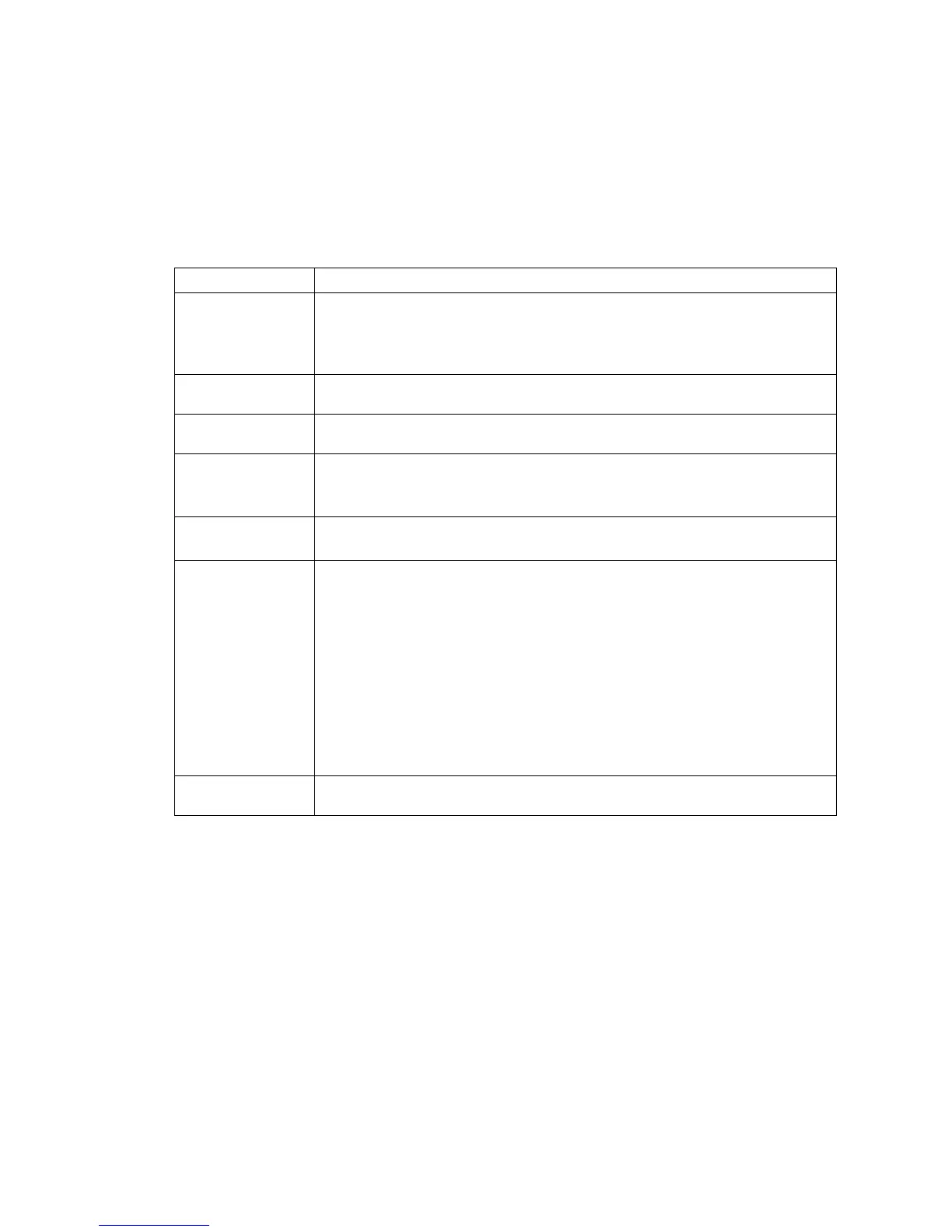
Protected functions
Item Protected function name
Edit message
●Edit message
●Calendar conditions
●Substitution rules setting
●Count conditions
Select message ●Select message
Save message ●Save message
Print specifications
●Print specifications
●Various print setup
●Adjust print parameters
Print format
●Print format
●Adjust inter-character space
Maintenance
[Auxiliary functions]
●Manage messages/group
●Create user pattern
●Calibrate touch screen coordinates
●Copy data (IJP→USB)
●Copy data (USB→IJP)
●Edit standard pattern
●Edit substitution rules
●Select languages
[Environment setup]
●User environment setup
●Date/time setup
●Communication environment setup
●Touch screen setup
[Maintenance work]
●Operation management
●Excitation V update
●Circulation control
●Solenoid valve/pump test
Password setup ●Password setup


 To Next Page