Hive Thermostat Mini Installation Guide
18
2
Search 00:23
Search...
00:00
Insert the 4x AAA batteries provided.
If you are installing Hive Multizone only insert
batteries into one thermostat at a time.
Press to open
The Receiver will display a solid GREEN status
light or a BLUE light if it’s in gravity-fed mode.
If installing Hive Multizone the status light will go
GREEN on one Receiver only. This is correct as the
batteries should only be inserted into one
thermostat at a time.
The thermostat display will show ‘Search’ –
meaning it’s searching for the Hub and Receiver.
A timer will show how long the thermostat has
been searching. If this lasts longer than ve
minutes, move the thermostat closer to the
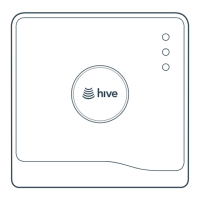
Receiver. Ensure the Hub is ashing amber;
if not, press the button on the Hub briey to
start device pairing.
2
Search 00:23
Search...
00:00
The thermostat will then go onto ‘Pairing
successful!’ screen and then display the current
inside temperature, and a solid GREEN light will
appear on the Hub.



 To Next Page
 Loading...