Hive Thermostat Mini Installation Guide
4
1b
If the customer already has a Hub
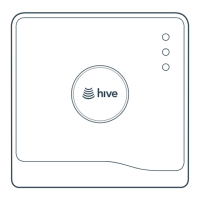
If the customer already has a Hive Hub, just put it into pairing mode. To do this press, the button at
the rear of the Hub for 1 second and release.
The light should now ash AMBER showing that it is in pairing mode. When you see this, move on
to stage 2.
If the light does not ash AMBER, look at the lights and meanings table on page 5.
1c
Where to locate the Hub in the home
Don’t place the Hub directly on the oor, in an enclosed area such as a cupboard, or near large
metal objects.
Each Hive device has a range of about 10 meters in every direction, but this will be severely impacted
by the thickness of the walls between devices.
Try to avoid placing the Hub in the kitchen as they are often full of other electronic devices that can
disrupt your signal.
Also avoid placing the Hub near mirrors or sh tanks as this can also disrupt the signal.



 To Next Page
 Loading...