Hive Thermostat Mini Installation Guide
3
1
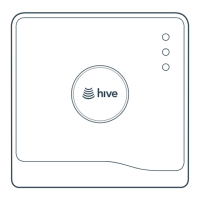
The Hive Hub
1a
Connecting the Hub:
To connect the Hub, there must be a broadband connection with a spare network port and a power
socket must be nearby. Once this has been located, connect the Hub as follows:
1
2
3
Connect the Hub to the household’s
broadband router using the network
cable provided.
Fit the power cable into the Hub and
plug it into a power socket.
The Hub should now ash green. If the light
goes to solid GREEN then it has found the
Hive network and it is updating to the latest
Firmware version. If there is no update
available, the Hub will go straight into
pairing mode and ash AMBER. In either
scenario, move on to stage 2.



 To Next Page
 Loading...