© HMS Industrial Networks S.L.U - All rights reserved
This information is subject to change without notice
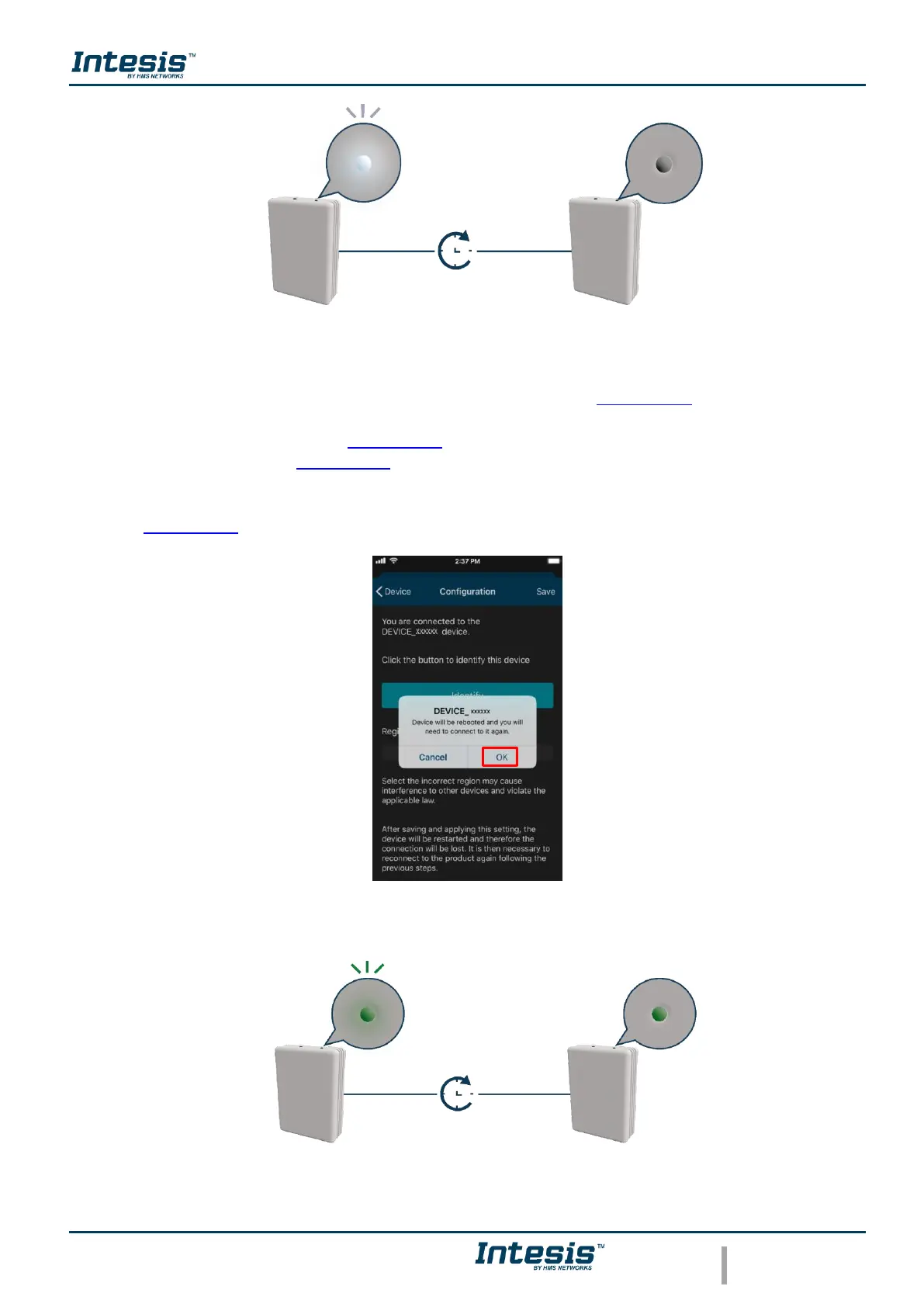
Figure 3.20 Identify LED feedback.
• To change of Region, tap on the region wanted (See Figure 3.19). A pop-up will be
shown telling that if the region is changed the configuration process must be started
from the beginning (See Figure 3.21). Tap on OK.
Tap on save (See Figure 3.19).
The light of the LED will blink green for 6 seconds, then it will turn steady green (See
Figure 3.22)
Figure 3.21 Change region.
Figure 3.22 Selecting region LED feedback.



 To Next Page