© HMS Industrial Networks S.L.U - All rights reserved
This information is subject to change without notice
URL https://www.intesis.com
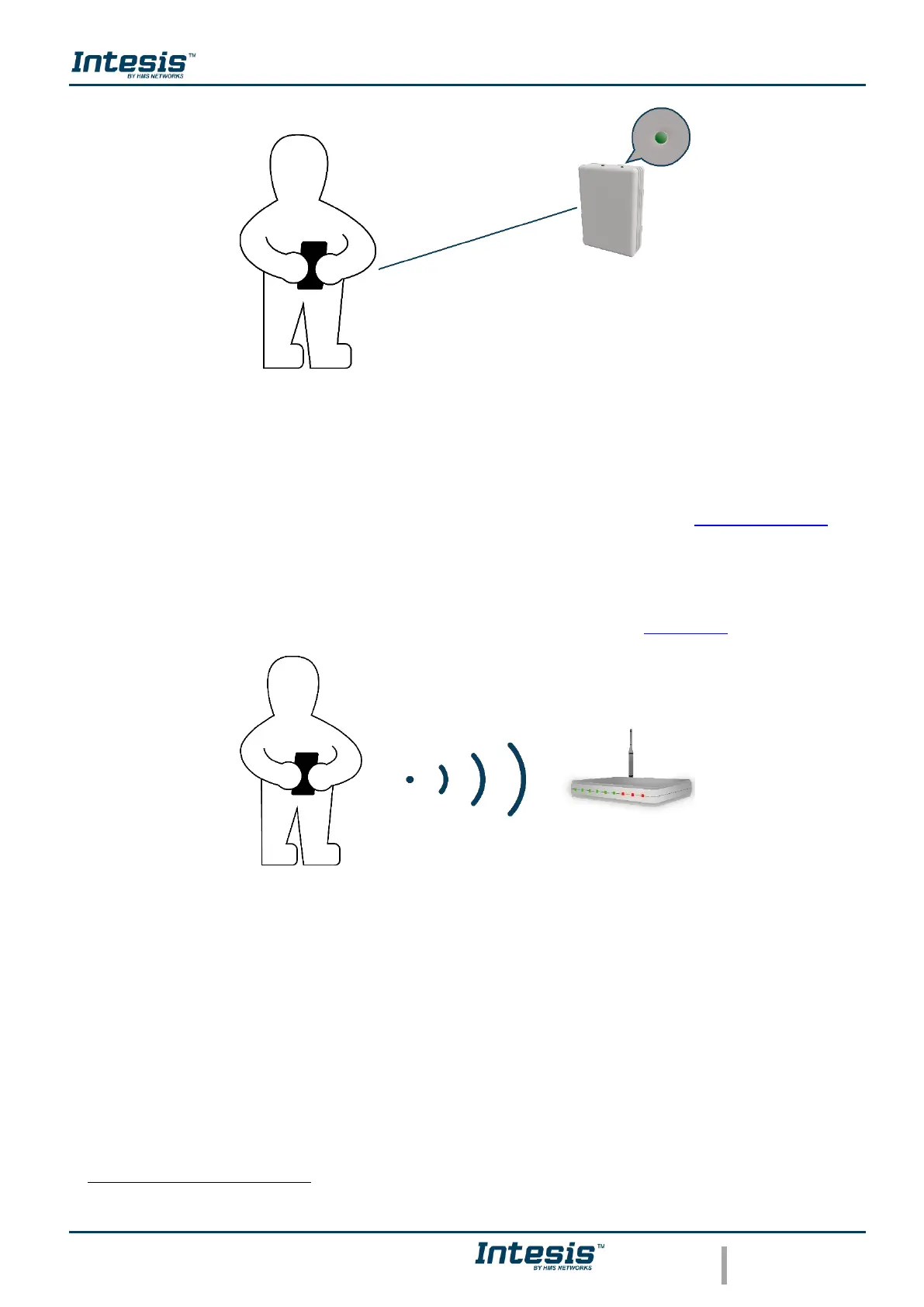
Figure 1.2 Get close to the device.
• Make sure to buy the right device.
Remember that there are the Universal and the Band Specific Wi-Fi Controllers
available for each manufacturer and type of climate system, check the compatibility.
• Internet access
.
The AC Cloud Control devices must be connected to internet using Wi-Fi, therefore
make sure the Wi-Fi signal reaches the device location (See Figure 1.3).
Figure 1.3 Check Wi-Fi Signal.
• Device with Internet access:
A device with internet access is needed (Smartphone or Tablet).
Make sure the smartphone or tablet used is Android or iOS compatible.
In addition, double check that the data is turned off and Wi-Fi is turned on.
Costs related with Internet access are not included in the AC Cloud Control price. Ask your Internet Service Provider about the
associated costs of your Internet connection.



 To Next Page