4
Quick reference: business use
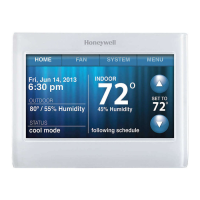
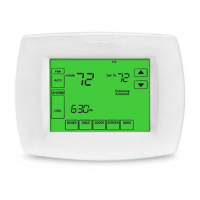
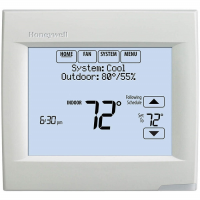
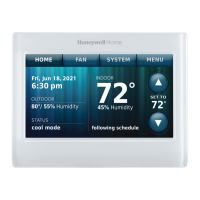
HOME. Touch to display Home screen.
FAN. Select fan mode.
SYSTEM. Select system mode (heat/cool).
MENU. Touch to display options. Start here to
set a program schedule.
Thermostat location. Quickly identify which
thermostat is in control of a specific area.
Current schedule. Touch an arrow to change
temperature setting and set a temporary hold.
Override. Touch to temporarily override the
program schedule.
Indoor conditions. Shows indoor temperature
and humidity.
Current date and time.
Current status. Shows system mode (heat/
cool).
Outdoor conditions. Outdoor temperature
and humidity appear after registration.


 To Next Page
 Loading...