EasyManua.ls Logo

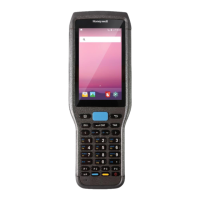
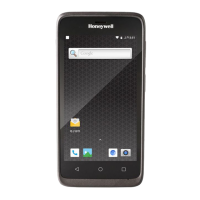
Honeywell ScanPal EDA51 Series - User Manual

Honeywell ScanPal EDA51 Series
96 pages
Print Icon
To Next Page IconTo Next Page
Loading...
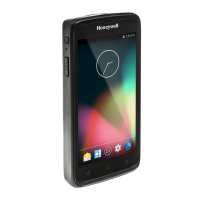
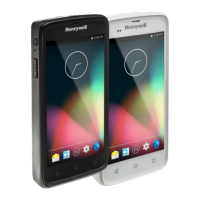
ScanPal™ EDA51 Series
Mobile Computer
powered by Android™
User Guide


Table of Contents

Other manuals for Honeywell ScanPal EDA51 Series

Question and Answer IconNeed help?

Do you have a question about the Honeywell ScanPal EDA51 Series and is the answer not in the manual?

Honeywell ScanPal EDA51 Series Specifications

General IconGeneral
BrandHoneywell
ModelScanPal EDA51 Series
CategoryHandhelds
LanguageEnglish

Summary

Chapter 1 - About the Computer Features

About the Battery

Explains the rechargeable Li-ion battery as the main power source and factors affecting its life.

Charge the Battery Before Use

Provides instructions on how to charge the battery before the first-time use of the computer.

Replace the Battery

Step-by-step guide for safely removing and installing the device's battery.

Chapter 2 - About the User Interface and Applications

Chapter 3 - Use the Image Engine

About the Image Engine

Describes the two Honeywell high-performance imager options and their uses.

Scan Bar Codes

Instructions on how to scan barcodes using the device's integrated imager.

Change the Scanner Settings

Guide on how to configure scanner profiles, symbologies, and decode settings.

Chapter 4 - Use the Phone

Chapter 5 - Use the Camera

Take a Photo

Step-by-step instructions for capturing still images using the device camera.

Chapter 6 - Configure the Computer

Network & Internet

Settings for Wi-Fi, mobile networks, VPNs, and data usage.

Chapter 7 - Manage and Maintain the Computer

About Software Updates

Information on obtaining and installing software patches and upgrades.

About Full Factory Reset

Procedure and caution for resetting the device to factory default settings.
Related product manuals