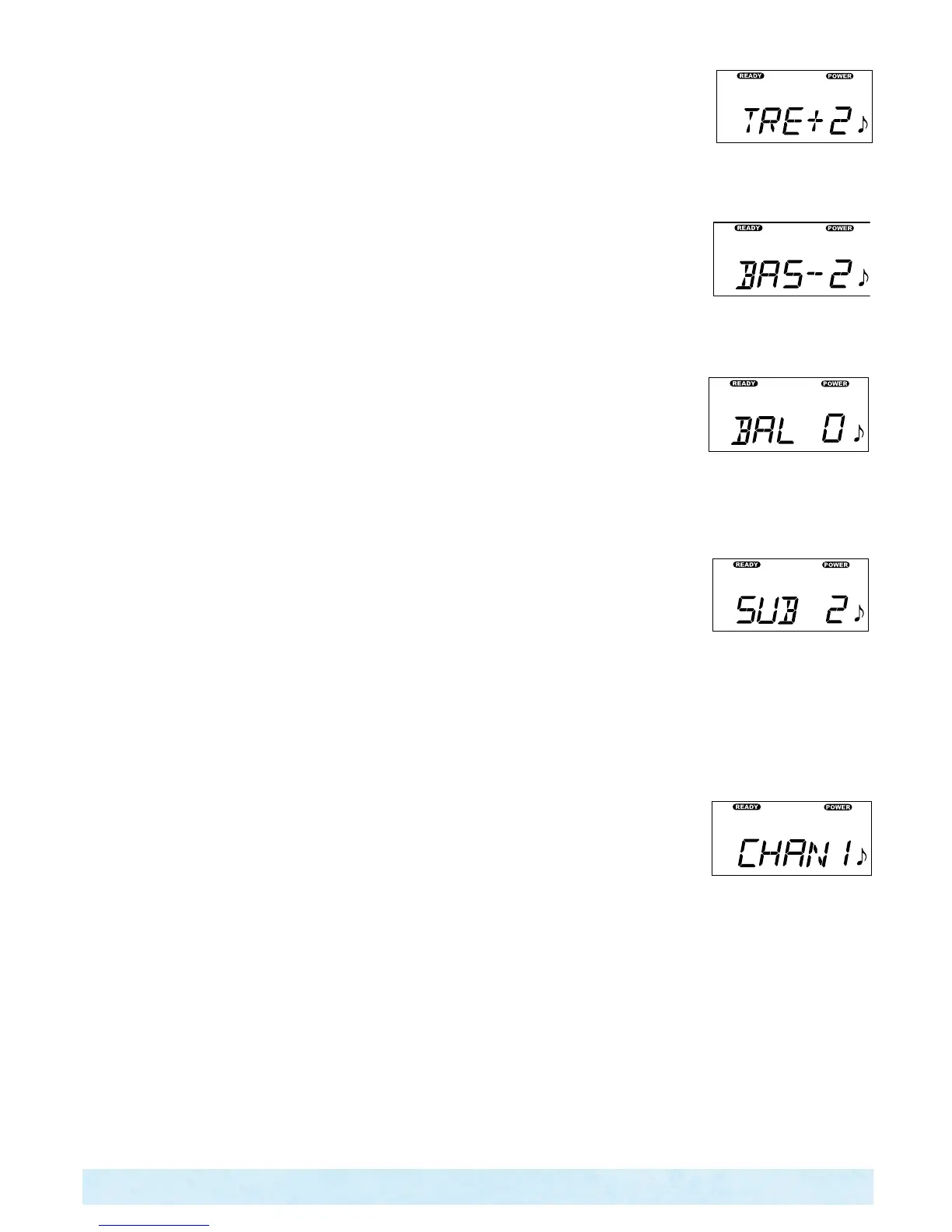
TO ADJUST TREBLE
From the SETUP menu:
1. PresstheON▲buttontodisplayoneoffouraudiosources,IPOD,TV,AUX,BLUE
2. PresstheMODE▲buttontodisplayTRE-5to+5.
3. PresstheON▲buttontoraisetheTrebleorpressOFF▼buttontolowerthetreble.
TO ADJUST BASS
From the SETUP menu:
1. PresstheON▲buttontodisplayoneoffouraudiosources,IPOD,TV,AUX,BLUE
2. PresstheMODE▲todisplayTRE.
3. PresstheMODE▲buttontodisplayBAS-5to+5.
4. PresstheTEMP▲buttontoraisetheBassorpressOFF▼buttontolowertheBass.
TO ADJUST BALANCE
From the SETUP menu:
1. PresstheON▲buttontodisplayoneoffouraudiosources,IPOD,TV,AUX,BLUE
2. PresstheMODE▲buttontodisplayTRE.
3. PresstheMODE▲buttontodisplayBAS.
4. PresstheMODE▲buttontodisplayBAL-5to+5.
5. PresstheON▲buttontoraisetheBalance#orpressOFF▼buttontolowertheBalance#.
TO ADJUST SUBWOOFER
From the SETUP menu:
1. PresstheON▲buttontodisplayoneoffouraudiosources,IPOD,TV,AUX,BLUE
2. Press the button to display TRE.
3. PresstheMODE▲buttontodisplayBAS.
4. PresstheMODE▲buttontodisplayBAL.
5. PresstheMODE▲buttontodisplaySUB0to11.
6. PresstheON▲buttontoraisethesubwoofer#orpressOFF▼buttontolowerthesubwoofer#.
TO CHANGE AMPLIFIER CHANNEL (TO MATCH WIRELESS DOCK TRANSMITTER INSIDE
HOUSE IF INSTALLED)
From the SETUP menu:
1. PresstheON▲buttontodisplayoneoffouraudiosources,IPOD,TV,AUX,BLUE
2. PresstheMODE▲buttontodisplayTRE.
3. PresstheMODE▲buttontodisplayBAS.
4. PresstheMODE▲buttontodisplayBAL.
5. PresstheMODE▲buttontodisplaySUB.
6. PresstheMODE▲buttontodisplayCHAN1-5.
7. PresstheON▲buttontoraisethechannel#orpressOFF▼buttontolowerthechannel#.
NOTE: Channel number must match Transmitter number inside house to work properly.
dISPlAY INVERSION
You may invert the control panel display for easier viewing from inside the spa.
To invert the display the following is required:
Press the “MODE ” & “OFF ” buttons simultaneously. By pressing the “MODE ” &
Page 33
Control Panel Operation




 To Next Page