Figure
8
Operating
Your
Oscilloscope
To
•ake
frequeacy
•eaaure•eats
auto•atiGally
If
the
Show
Meas
softkey is
turned
on, cursors are displayed on
the
waveform
that
show
the
measurement points for
the
right-most measurement result.
If
you select more
than
one
measurement, you can show a previous measurement
by
reselecting
the
measurement.
• To find
the
Show
Meas
softkey, press
the
Next
Menu
softkey key.
The oscilloscope makes automatic measurements on
the
first
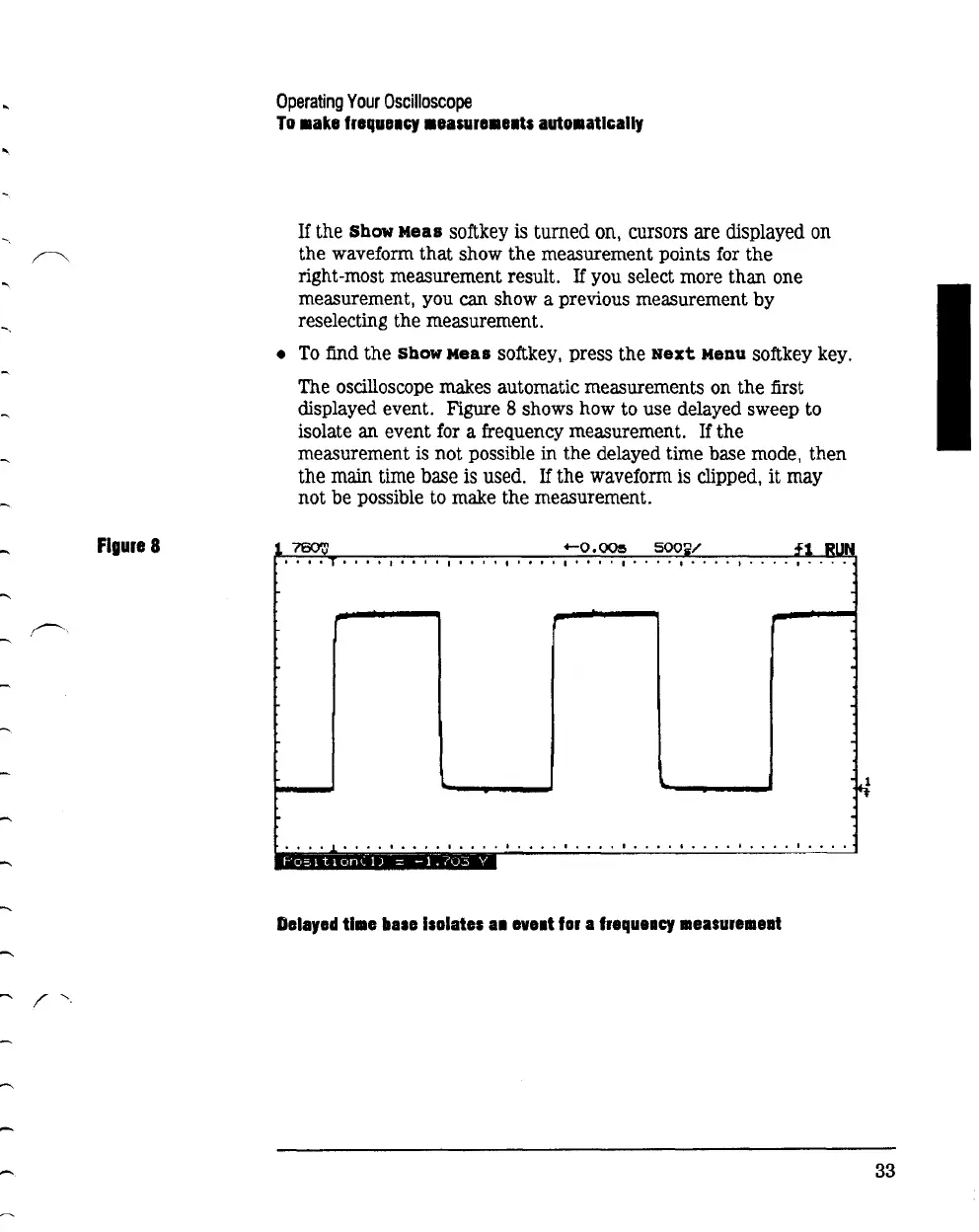
displayed event. Figure 8 shows how to use delayed sweep to
isolate
an
event for a frequency measurement. If
the
measurement is
not
possible
in
the
delayed time base mode,
then
the
main time base is used.
If
the
waveform is clipped,
it
may
not
be
possible to make
the
measurement.
f1
RUN
I I
••
T.
' • I I • I I I I I I I I I I
••
' I I t I I I • '
••
I
••••
I
••••
I
••••
I
••
I
I.
I
••
I I I
••
I
••••
I.
I
••
I
I.
I.
I I
••
I
I.
I
••
I
•••
I
Delayed
time
bate Isolates
a1
lVIII
tor
a
frequeacy
aaeasureaaeat
33



 To Next Page