EasyManua.ls Logo

HP 54600A - Page 46

HP 54600A
60 pages
Print Icon
To Next Page IconTo Next Page
To Previous Page IconTo Previous Page
Loading...
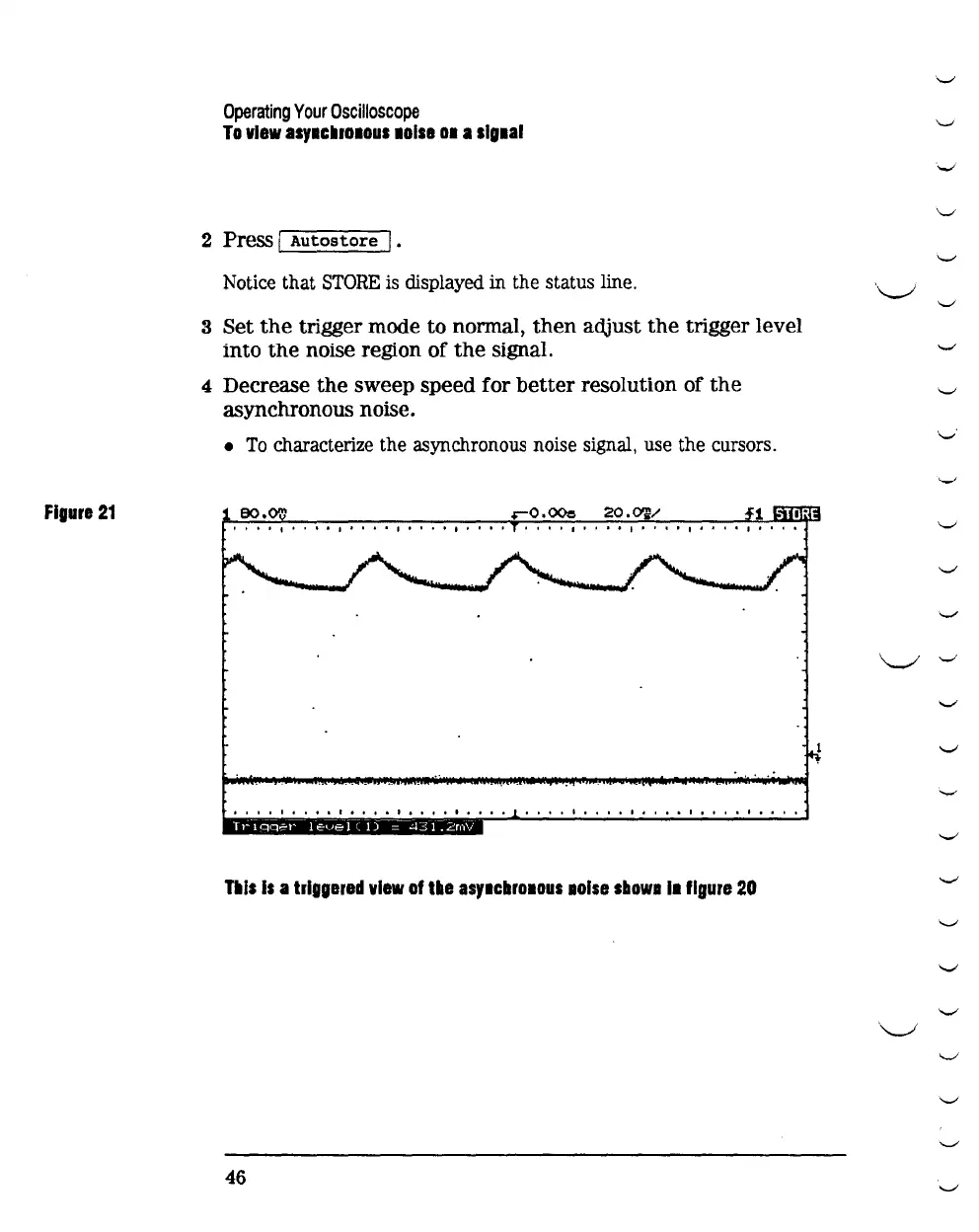
Figure
21
Operating
Your
Oscilloscope
To
view
asy1cllro1ous
1olse
01
a
slg1al
2 Press I
Autostore
j.
Notice that
STORE
is displayed in the status line.
3 Set
the
trigger mode
to
normal,
then
adjust
the
trigger level
into
the
noise region of
the
signal.
4 Decrease
the
sweep speed for
better
resolution of
the
asynchronous noise.
To
characterize the asynchronous noise signal, use the cursors.
eo.oo
't
••
t
••
I.
I.
I
..
I
I'.'
I
••••
I.
I.
I
••••
I
••
I.
I I I
••
I
•••••
I.
0 I
•••
0
I.
I
••
I.
I
I.
I
•••
0
Tills
Is
a
triggered
view
of
tile
asy1cbroaous
lOise
sbowa
11
figure
20
46
'-"
"-'
.
._,
"-"
'-"'
\._/
'-"
'-"
"-'
'-''
'-'
"-"
'-"
.
.._,
\..-1
'-"
'-"
'-"
'--'
'-"
'-"
'-"'
'-"'
"-"
\..._./
'-"'
"-"
'-"'
'-"'

Related product manuals