..
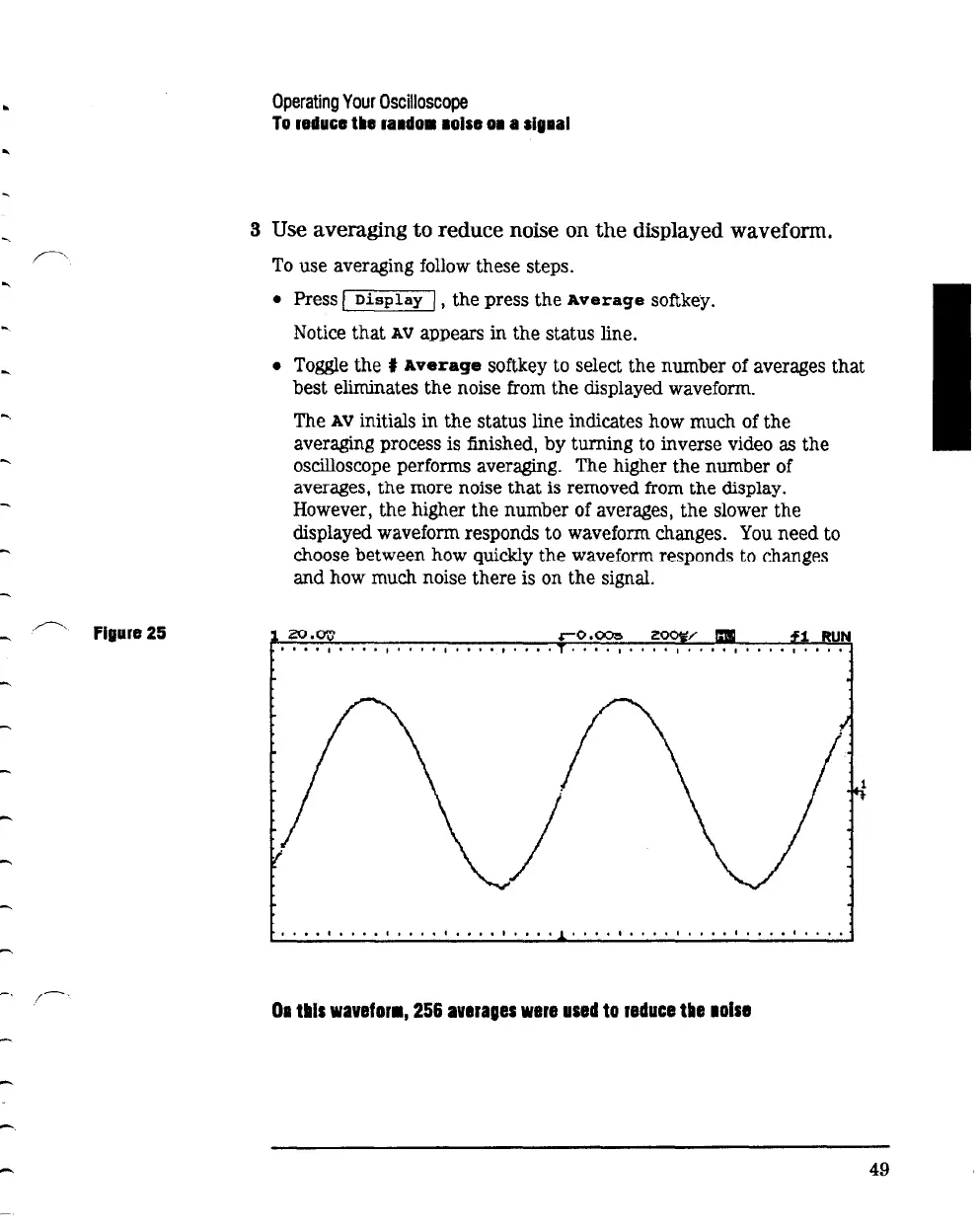
Figura
25
-
Operating
Your
Oscilloscope
To
11duGe
tiiiB
ra1do• 1olse
01
a
alg1al
3 Use averaging to reduce noise on
the
displayed waveform.
To
use averaging follow these steps.
• Press I
Display
/,
the press the
Average
softkey.
Notice that
AV
appears
in
the status line.
• Toggle the t
Average
softkey to select the number of averages that
best eliminates the noise from the displayed waveform.
The
AV
initials in the status line indicates how much of the
averaging process is finished,
by
turning to inverse video as the
oscilloscope performs
averaging. The higher the number of
averages,
the
more noise
that
is removed from
the
display.
However, the higher the number of averages, the slower the
displayed waveform responds to waveform changes.
You
need to
choose between how quickly
the
waveform responds to changes
and how much noise there is on the signal.
I
•••
I
I. I.
I
I.
I I I
••
I
••••
I I
••••
I
•••
I I
••
I.
I I
•••
I
••••
01
tills
wavefor•,
256
averages
were
used
to
reduce
tile
aoise
49



 To Next Page