Viewing _humbnai_ imag÷s
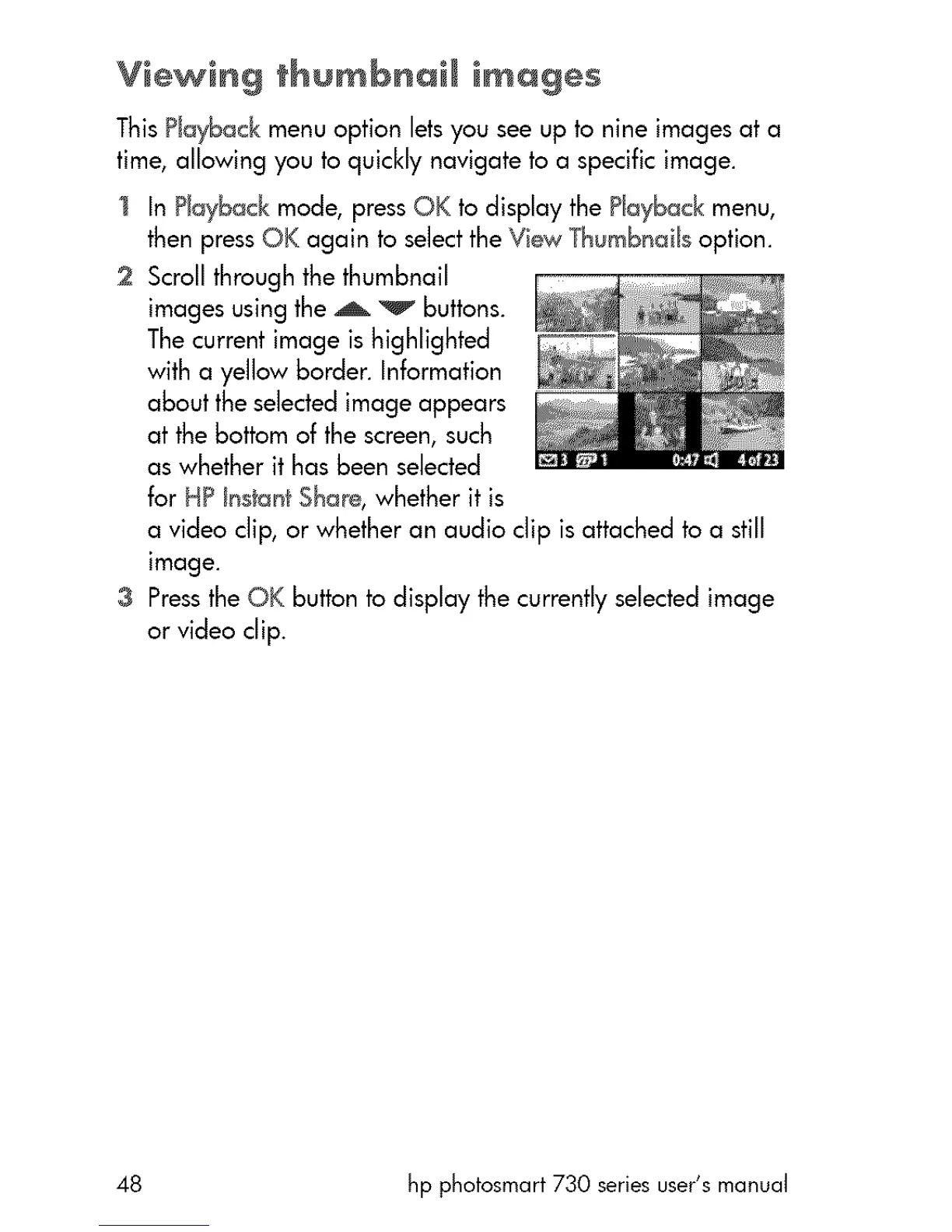
This Playback menu option lets you see up to nine images at a
time, allowing you to quickly navigate to a specific image.
In Playback mode, press OK to display the Playback menu,
then press OK again to selectthe View Thumbnails option.
2 Scroll through the thumbnail
images using the A _v buttons.
The current image is highlighted
with a yellow border. Information
about the selected image appears
at the bottom of the screen, such
as whether it has been selected
for HP hs_an_Sha_, whether it is
a video clip, or whether an audio clip is attached to a still
image.
3 Pressthe OK button to display the currently selected image
or video clip.
48 hp photosmart 730 series user's manual



 To Next Page