USB configuration
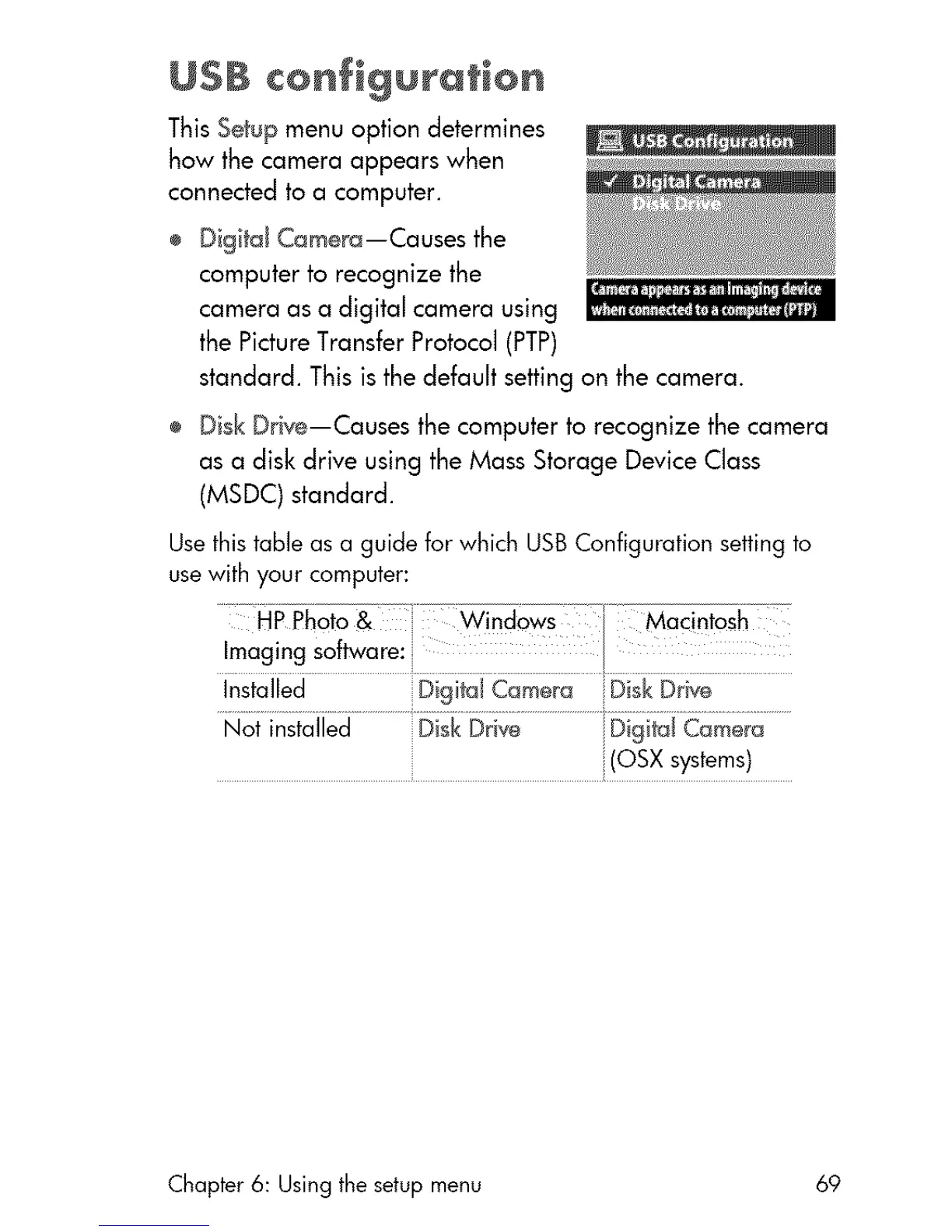
This Setup menu option determines
how the camera appears when
connected to a computer.
÷ Digital Camera--Causes the
computer to recognize the
camera as a digital camera using
the PictureTransfer Protocol (PTP)
standard. This is the default setting an the camera.
÷ Disk Drive--Causes the computer ta recognize the camera
as a disk drive using the Mass Storage Device Class
(MSDC) standard.
Usethis table as a guide for which USBConfiguration setting to
usewith your computer:
........ WJnd_:_ows Mac!ntosh
Imaging software:
Not installed Disk Drive iDigital Camera
(OSX systems)
Chapter 6: Using the setup menu 69



 To Next Page