R÷¢arding and d÷l÷ting audio dips
NOTE This option works only with still images, not video clips.
Aftertaking a stillpicture,youcango back laterand add an
audioclip to it. If an imagealreadycontainsan audioclip, you
canrecorda new clip or deletethecurrentaudio clip.
I InPlaybackmode,selectthe imageyouwant,thenpressOK
todisplaythePlaybackmenu.
2 Selectthe _ RecordAudio option.
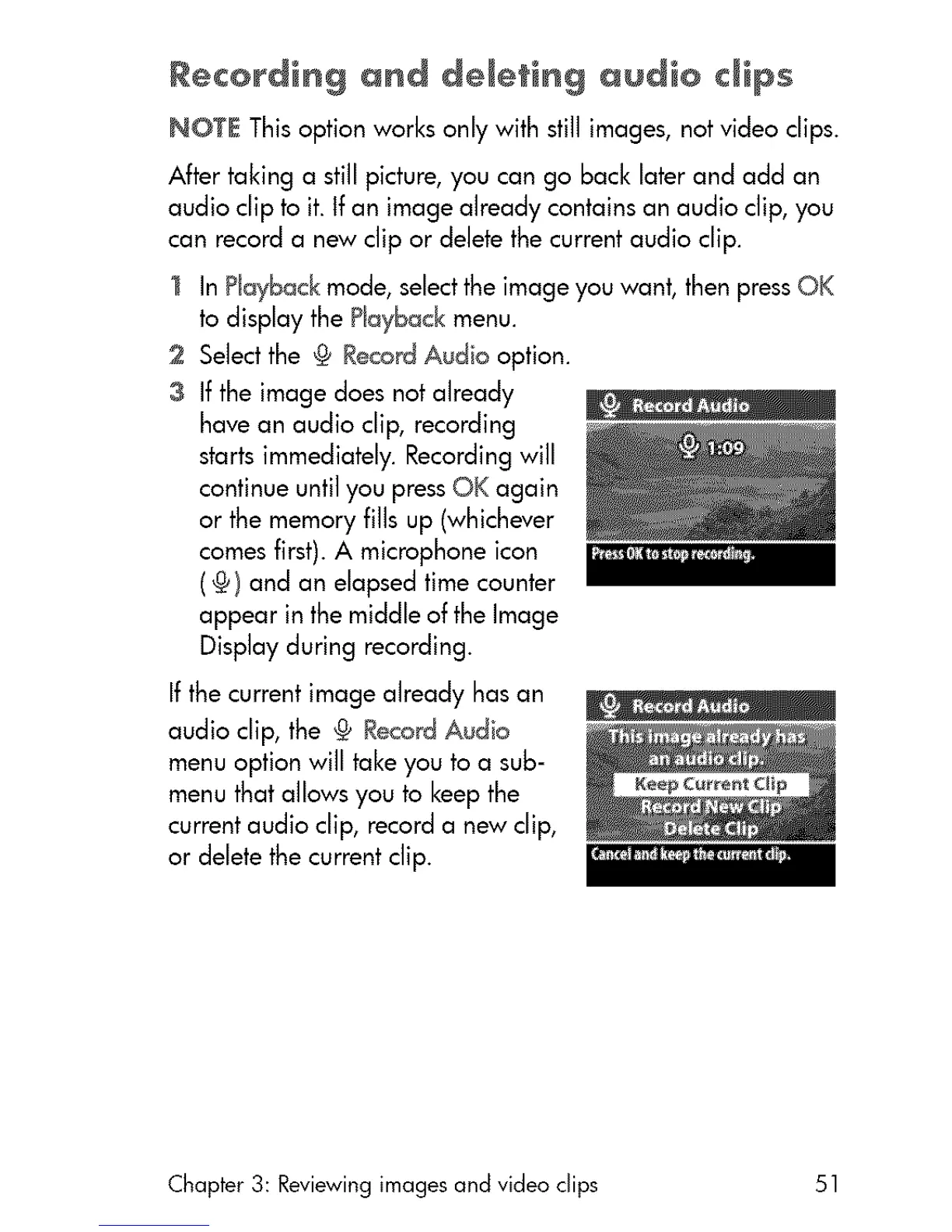
3 Ifthe imagedoesnotalready
havean audio clip, recording
startsimmediately.Recordingwill
continueuntil youpressOK again
or the memoryfills up (whichever
comesfirst).A microphoneicon
(@) and an elapsedtimecounter
appear inthemiddleof theImage
Displayduring recording.
If the currentimagealreadyhasan
audio clip, the @ RecordAudio
menuoption will takeyouto a sub-
menuthatallowsyou to keepthe
currentaudio clip, recorda new clip,
or deletethe currentclip.
Chapter 3: Reviewing images and video clips 51



 To Next Page