Chapter 6:
Using the setup enu
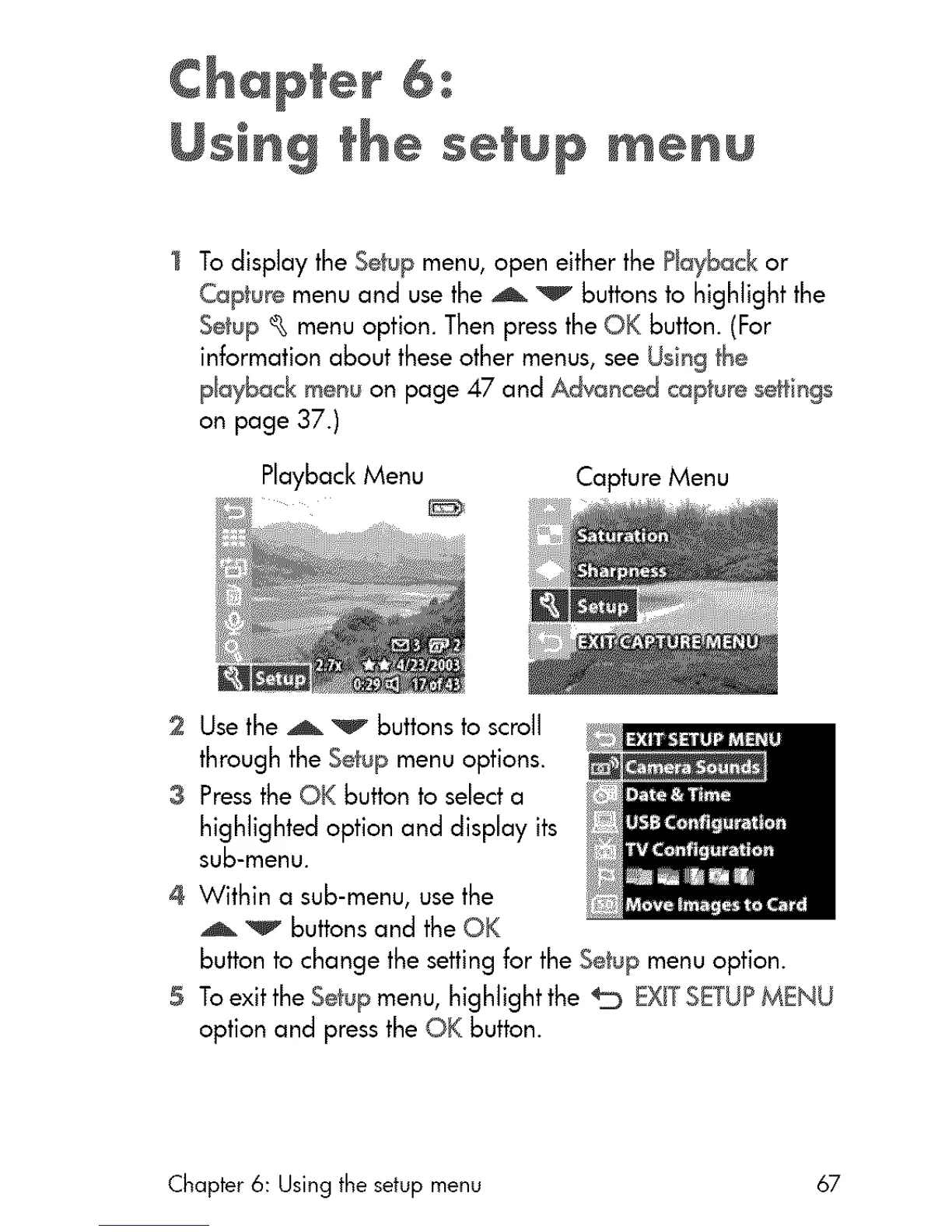
] To display the Se_:upmenu, open either the Ptay_ck or
Capture menu and use the _ v Buttonsto highlight the
Setup _ menu option. Then press the OK Button. (For
information about these other menus, see Using the
p_ayback menu on page 47 and Advanced capture seHings
on page 37.)
Playback Menu Capture Menu
2 Use the _ v buttons to scroll
through the Setup menu options.
3 Pressthe QK button to select a
highlighted option and display its
sub-menu.
4 Within a sub-menu, use the
_ buttons and the OK
button to change the setting for the Setup menu option.
5 To exit the Setup menu, highlight the _ EXiTSETUPMENU
option and press the OK button.
Chapter 6: Using the setup menu 67



 To Next Page