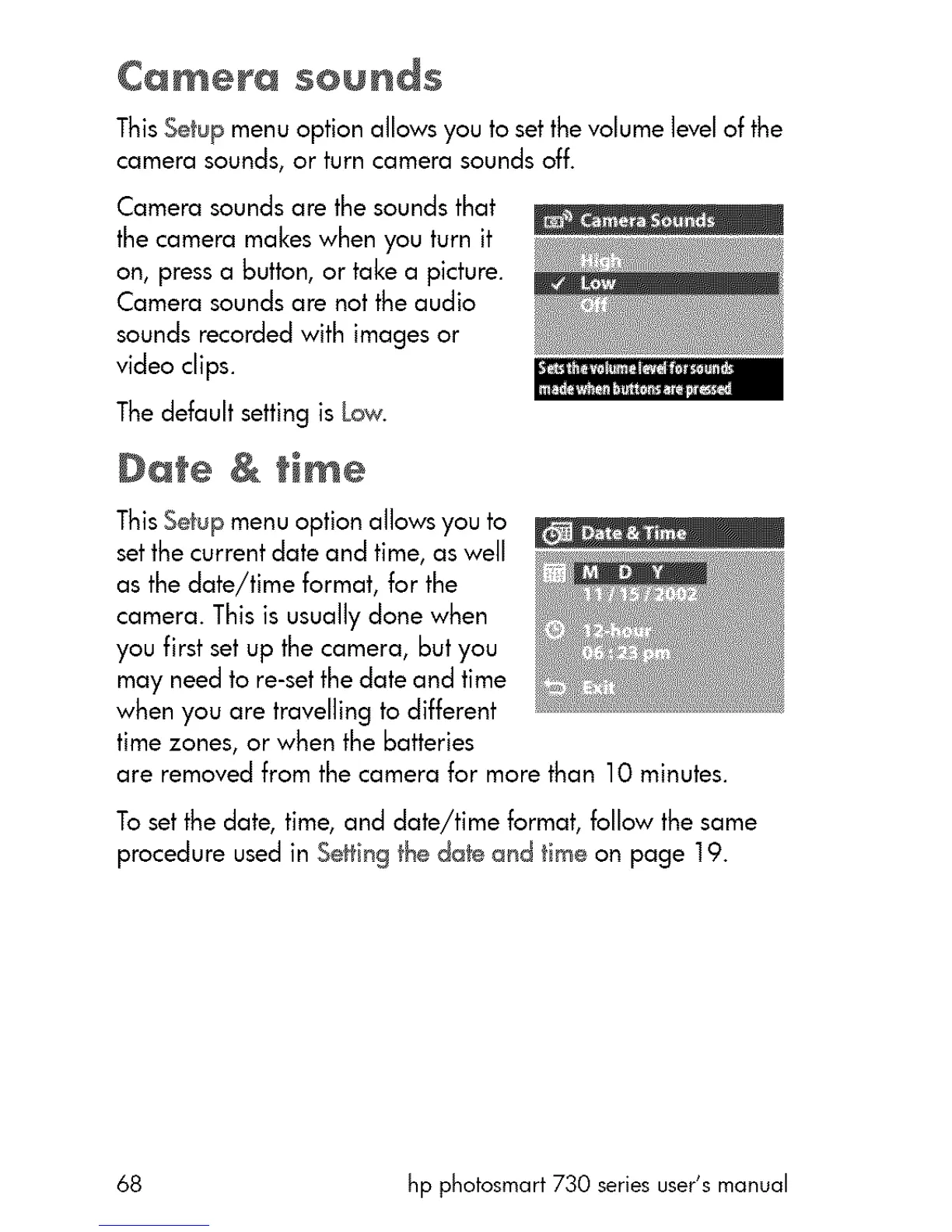
This Setup menu option allows you to set the volume level of the
camera sounds, or turn camera sounds off.
Camerasoundsare thesoundsthat
thecameramakeswhen youturn it
on,pressa button,or takea picture.
Camerasoundsare not theaudio
soundsrecordedwith imagesor
videoclips.
The default setting is Low.
Oate & time
This Setup menu option allows you to
setthe current date and time, as well
as the date/time format, for the
camera. This is usually done when
you first set up the camera, but you
may need to re-set the date and time
when you are travelling to different
time zones, or when the batteries
are removed from the camera for more than 10 minutes.
To setthe date, time, and date/time format, follow the same
procedure used in Setting the date and time on page 19.
68 hp photosmart 730 series user's manual



 To Next Page