EasyManua.ls Logo

HP 8153A - Page 31

HP 8153A
282 pages
Print Icon
To Next Page IconTo Next Page
To Previous Page IconTo Previous Page
Loading...
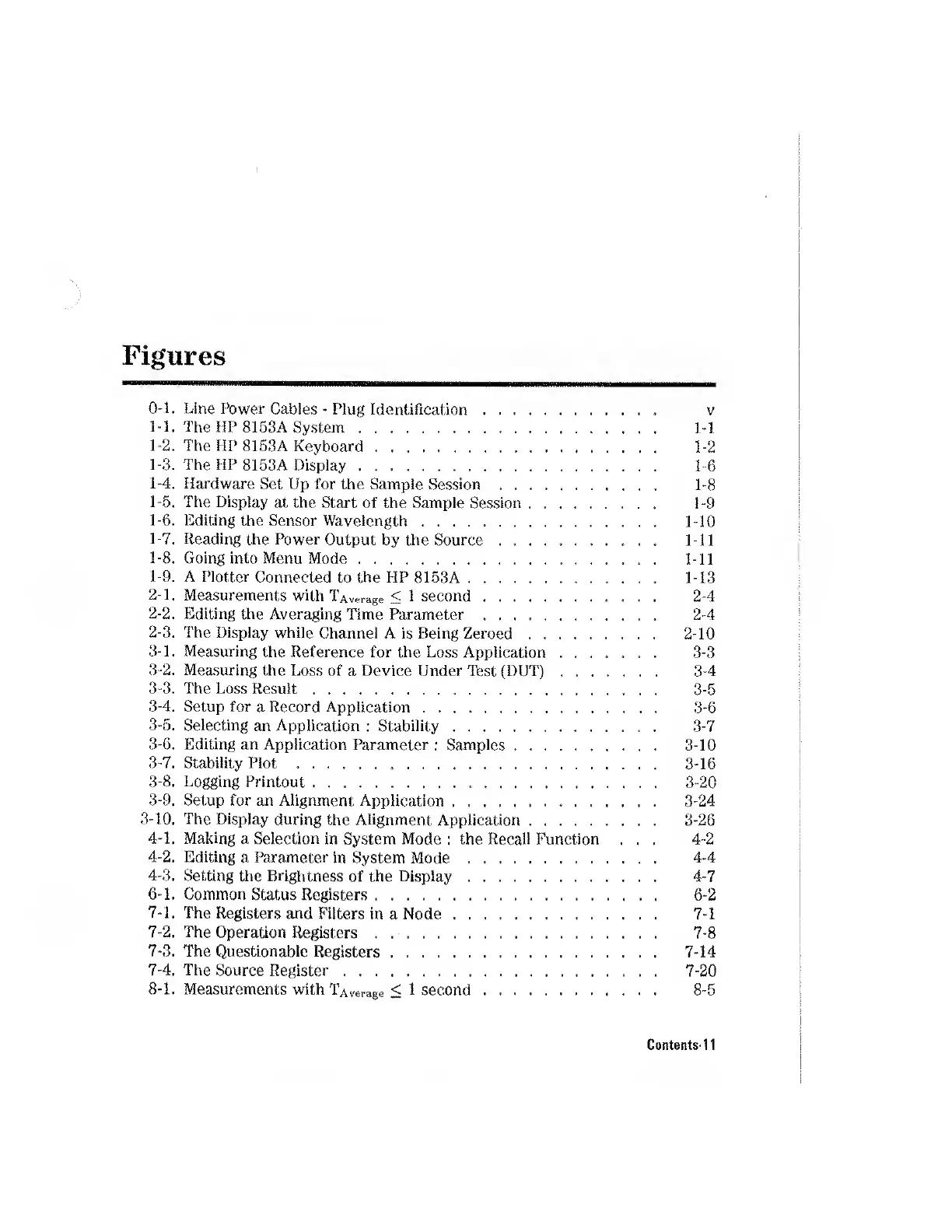
Figures
O-l.
Line
Power
Cables
-
Plug
Identification.
v
1-1.
The
HP
8153A
System.
1-1
1-2.
The
HP
8153A
Keyboard.
1-2
1-3.
The
HP
8153A
Display.
1-6
1-4.
Hardware
Set
Up
for
the
Sample
Session
.
1-8
1-5.
The
Display
at
the
Start
of
the
Sample
Session.
1-9
1-6.
Editing
the
Sensor
Wavelength
..
1-10
1-7.
Reading
the
F’ower
Output
by
the
Source.
1-11
1-8.
Going
into
Menu
Mode.
1-11
1-
9.
A
Plotter
Connected
to
the
HP
8153A.
1-13
2-
1.
Measurements
with
TAverage
<
1
second.
2-4
2-2.
Editing
the
Averaging
Time
Parameter.
2-4
2-
3.
The
Display
while
Channel
A
is
Being
Zeroed.
2-10
3-
1.
Measuring
the
Reference
for
the
Loss
Application.
3-3
3-2.
Measuring
the
Loss
of
a
Device
Under
Test
(DUT).
3-4
3-3.
The
Loss
Result.
3-5
3-4.
Setup
for
a
Record
Application.
3-6
3-5.
Selecting
an
Application
:
Stability.
3-7
3-6.
Editing
an
Application
Parameter
:
Samples.
3-10
3-7.
Stability
Plot
..
3-16
3-8.
Logging
Printout.
3-20
3-
9.
Setup
for
an
Alignment
Application.
3-24
3-10.
The
Display
during
the
Alignment
Application.
3-26
4-
1.
Making
a
Selection
in
System
Mode
:
the
Recall
Function
...
4-2
4-2.
Editing
a
Parameter
in
System
Mode.
4-4
4-3.
Setting
the
Brightness
of
the
Display.
4-7
6-
1.
Common
Status
Registers.
6-2
7-
1.
The
Registers
and
Filters
in
a
Node.
7-1
7-2.
The
Operation
Registers
.
..
7-8
7-3.
The
Questionable
Registers.
7-14
7-
4.
The
Source
Register.
7-20
8-
1.
Measurements
with
TAverage
<
1
second.
8-5
Contents-11

Other manuals for HP 8153A

Related product manuals