EasyManua.ls Logo

HP 8508A - Front Panel Features

HP 8508A
130 pages
Print Icon
To Next Page IconTo Next Page
To Previous Page IconTo Previous Page
Loading...
Operation
3-5
FRONT
PANEL
FEATURES
.
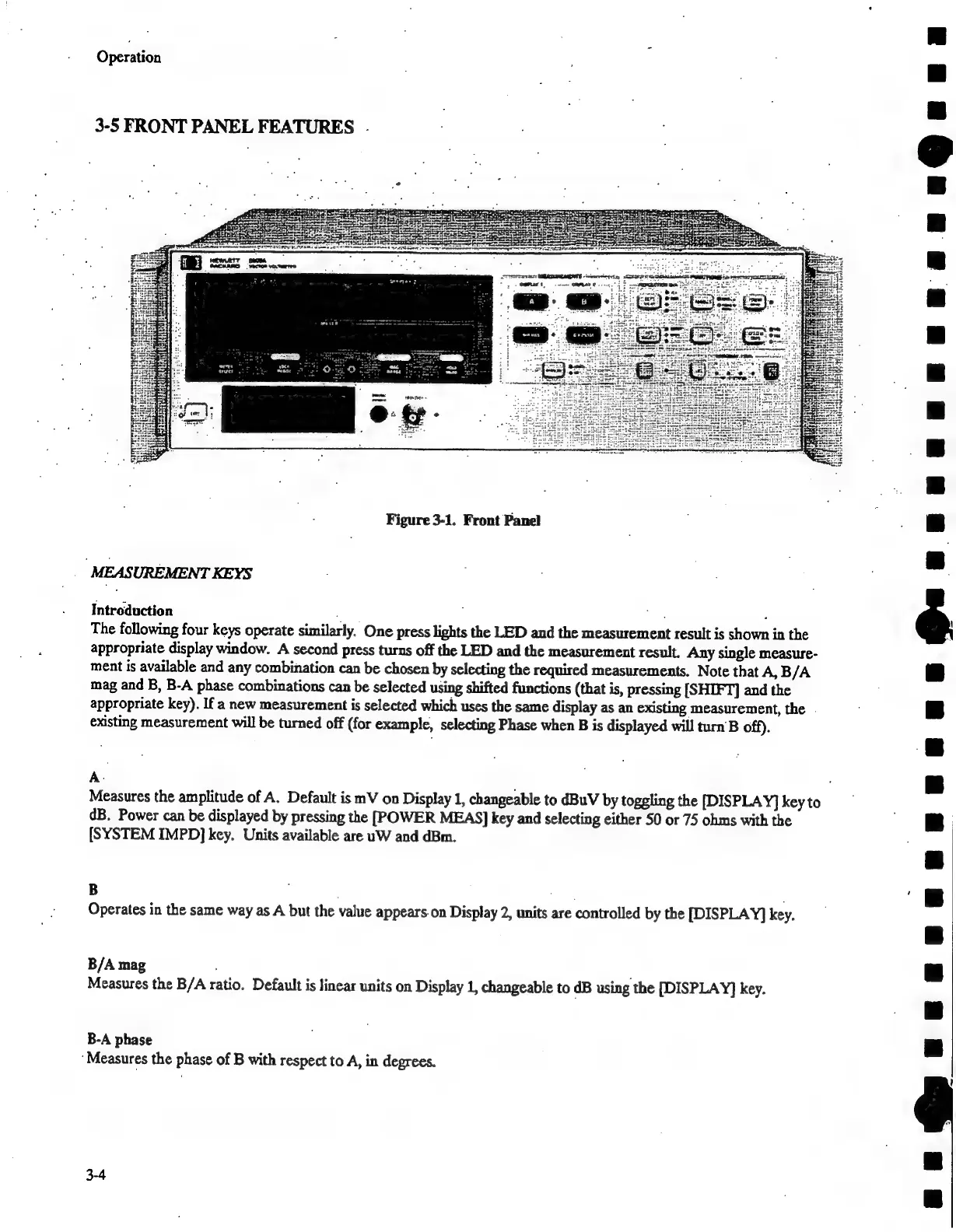
Figure
3-1.
Front
Panel
"MEASUREMENT
KEYS
Introduction
,
ware
:
The
following
four
keys
operate
similarly.
One
press
lights
the
LED
and
the
measurement
result
is
shown
in
the
appropriate
display
window.
A
second
press
turns
off
the
LED
and
the
measurement
result.
Any
single
measure-
ment
is
available
and
any
combination
can
be
chosen
by
selecting
the
required
measurements.
Note
that
A,
B/A
mag
and
B,
B-A
phase
combinations
can
be
selected
using
shifted
functions
(that
is,
pressing
[SHIFT]
and
the
appropriate
key).
If
a
new
measurement
is
selected
which
uses
the
same
display
as
an
existing
measurement,
the
.
existing
measurement
will
be
turned
off
(for
example,
selecting
Phase
when
B
is
displayed
will
turn'B
off).
A
Measures
the
amplitude
of
A.
Default
is
mV
on
Display
1,
changeable
to
dBuV
by
toggling
the
[DISPLAY]
key
to
dB.
Power
can
be
displayed
by
pressing
the
[POWER
MEAS]
key
and
selecting
either
50
or
75
ohms
with
the
[SYSTEM
IMPD]
key.
Units
available
are
uW
and
dBm.
B
Operates
in
the
same
way
as
A
but
the
value
appears
on
Display
2,
units
are
controlled
by
the
[DISPLAY]
key.
B/A
mag
Measures
the
B/A
ratio.
Default
is
linear
units
on
Display
1,
changeable
to
dB
using
the
[DISPLAY]
key.
B-A
phase
‘Measures
the
phase
of
B
with
respect
to
A,
in
degrees.
3-4
TTT
Terre)
Cee

Related product manuals