EasyManua.ls Logo

HP 8508A - Page 37

HP 8508A
130 pages
Print Icon
To Next Page IconTo Next Page
To Previous Page IconTo Previous Page
Loading...
eam
eee
eee
eee
ee
Qeeee
eee
eeeengaas
Operation
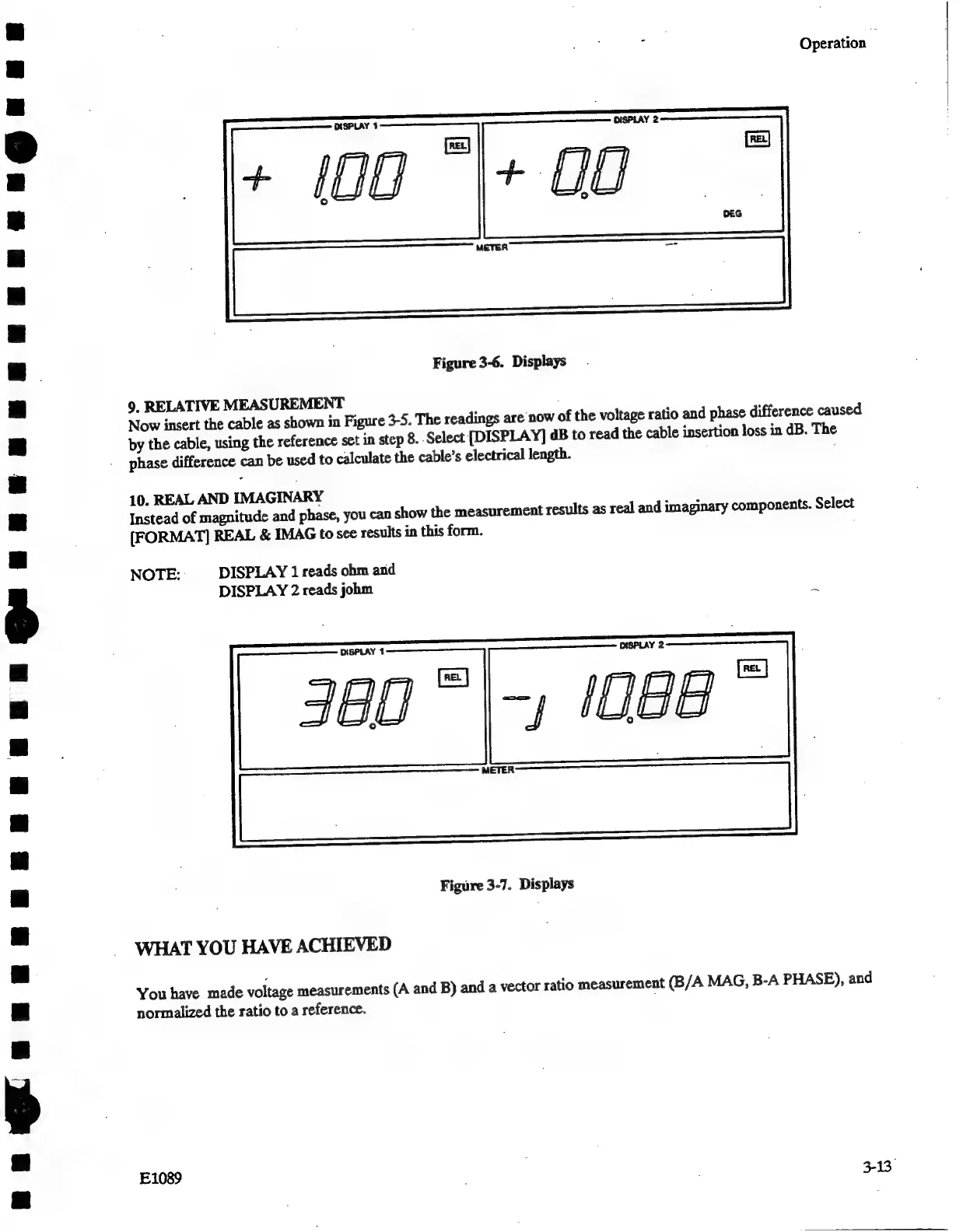
Figure
3-6.
Displays
9.
RELATIVE
MEASUREMENT
Now
insert
the
cable
as
shown
in
Figure
3-5.
The
readings
are
now
of
the
voltage
ratio
and
phase
difference
caused
by
the
cable,
using
the
reference
set
in
step
8.
Select
[DISPLAY]
dB
to
read
the
cable
insertion
loss
in
dB.
The
phase
difference
can
be
used
to
calculate
the
cable’s
electrical
length.
10.
REAL
AND
IMAGINARY
Instead
of
magnitude
and
phase,
you
can
show
the
measurement
results
as
real
and
imaginary
components.
Select
[FORMAT]
REAL
&
IMAG
to
see
results
in
this
form.
NOTE:
DISPLAY
1
reads
ohm
and
DISPLAY
2
reads
johm
:
Figure
3-7.
Displays
WHAT
YOU
HAVE
ACHIEVED
You
have
made
voltage
measurements
(A
and
B)
and
a
vector
ratio
measurement
(B/A
MAG,
B-A
PHASE),
and
normalized
the
ratio
to a
reference.
E1089
.
|
3-13

Related product manuals