EasyManua.ls Logo

HP 8508A - Page 7

HP 8508A
130 pages
Print Icon
To Next Page IconTo Next Page
To Previous Page IconTo Previous Page
Loading...
BemPeeSeeeeeeee
Go
eseanaeeeaagaan
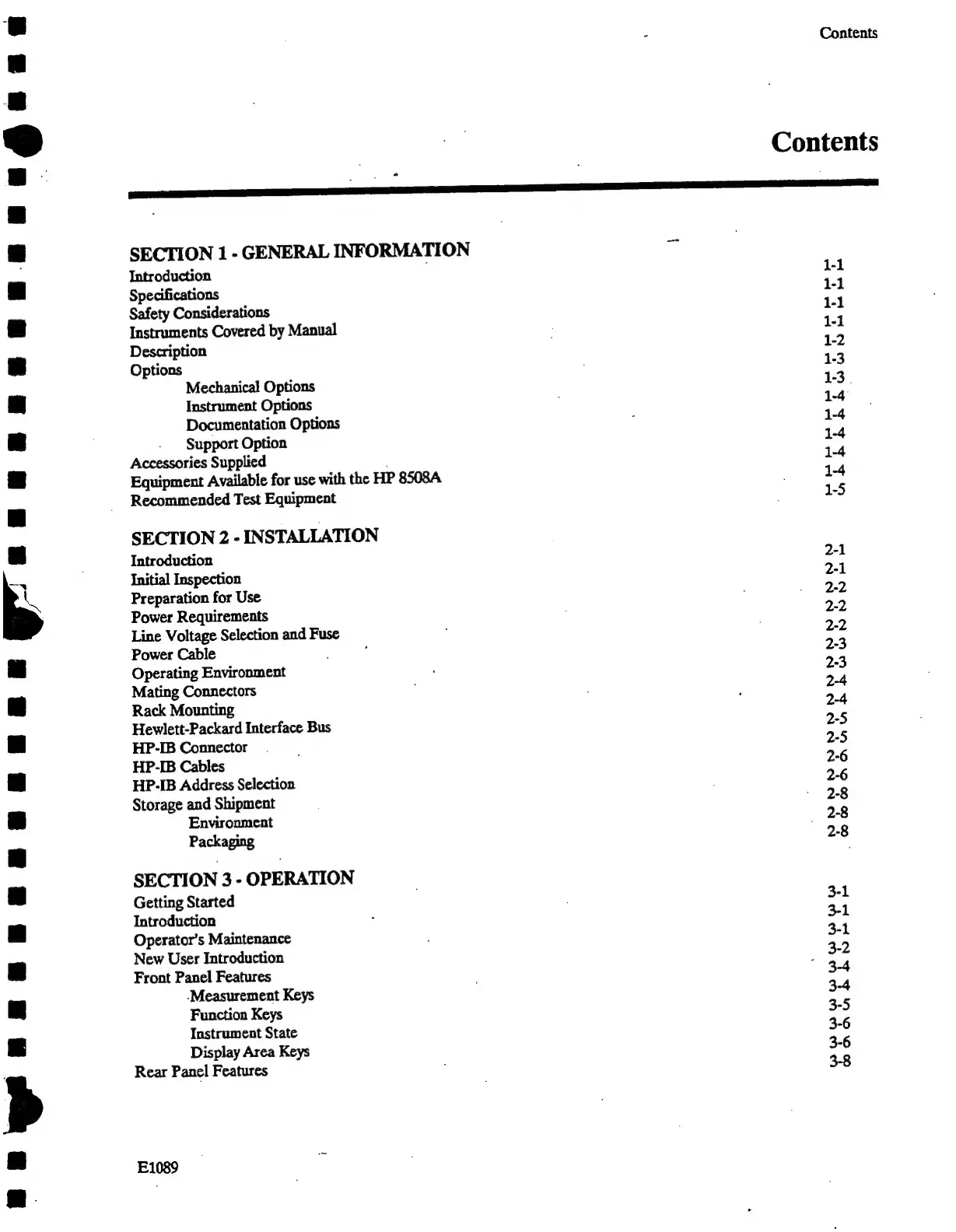
Contents
Contents
SECTION
1
-
GENERAL
INFORMATION
Introduction
1-1
Specifications
1-1
Safety
Considerations
1-1
Instruments
Covered
by
Manual
1-1
Description
1-2
Options
1-3
Mechanical
Options
1-3.
Instrument
Options
1-4
Documentation
Options
1-4
Support
Option
1-4
Accessories
Supplied
1-4
Equipment
Available
for
use
with
the
HP
8508A.
1-4
Recommended
Test
Equipment
1-5
SECTION
2
-
INSTALLATION
Introduction
2-1
Initial
Inspection
2-1
Preparation
for
Use
2-2
Power
Requirements
2-2
Line
Voltage
Selection
and
Fuse
2-2
Power
Cable
2-3
Operating
Environment
2-3
Mating
Connectors
2-4
Rack
Mounting
2-4
Hewlett-Packard
Interface
Bus
2-5
HP-IB
Connector
2-5
HP-IB
Cables
2-6
HP-IB
Address
Selection
2-6
Storage
and
Shipment
2-8
Environment
(2-8
Packaging
2-8
SECTION
3
-
OPERATION
Getting
Started
3-1
Introduction
3-1
Operator’s
Maintenance
3-1
New
User
Introduction
3-2
Front
Panel
Features
"
3-4
-Measurement
Keys
3-4
Function
Keys
3-5
Instrument
State
3-6
Display
Area
Keys
3-6
Rear
Panel
Features
3-8
E1089

Related product manuals