EasyManua.ls Logo

HP 8508A - Page 85

HP 8508A
130 pages
Print Icon
To Next Page IconTo Next Page
To Previous Page IconTo Previous Page
Loading...
2
2
eee
eee
hCOULhl
ee
eee
Oo
Adjustments
Set
up
the
amplitude
path
gain
using
an
external
20kHz,
100
mV
reference
source.
DESCRIPTION
e
interchangeability
of
Input
Modules
the
100
mV
level
at
the
module
interface
must
be
accurately
set.
AC
Calibrator
To
ensur
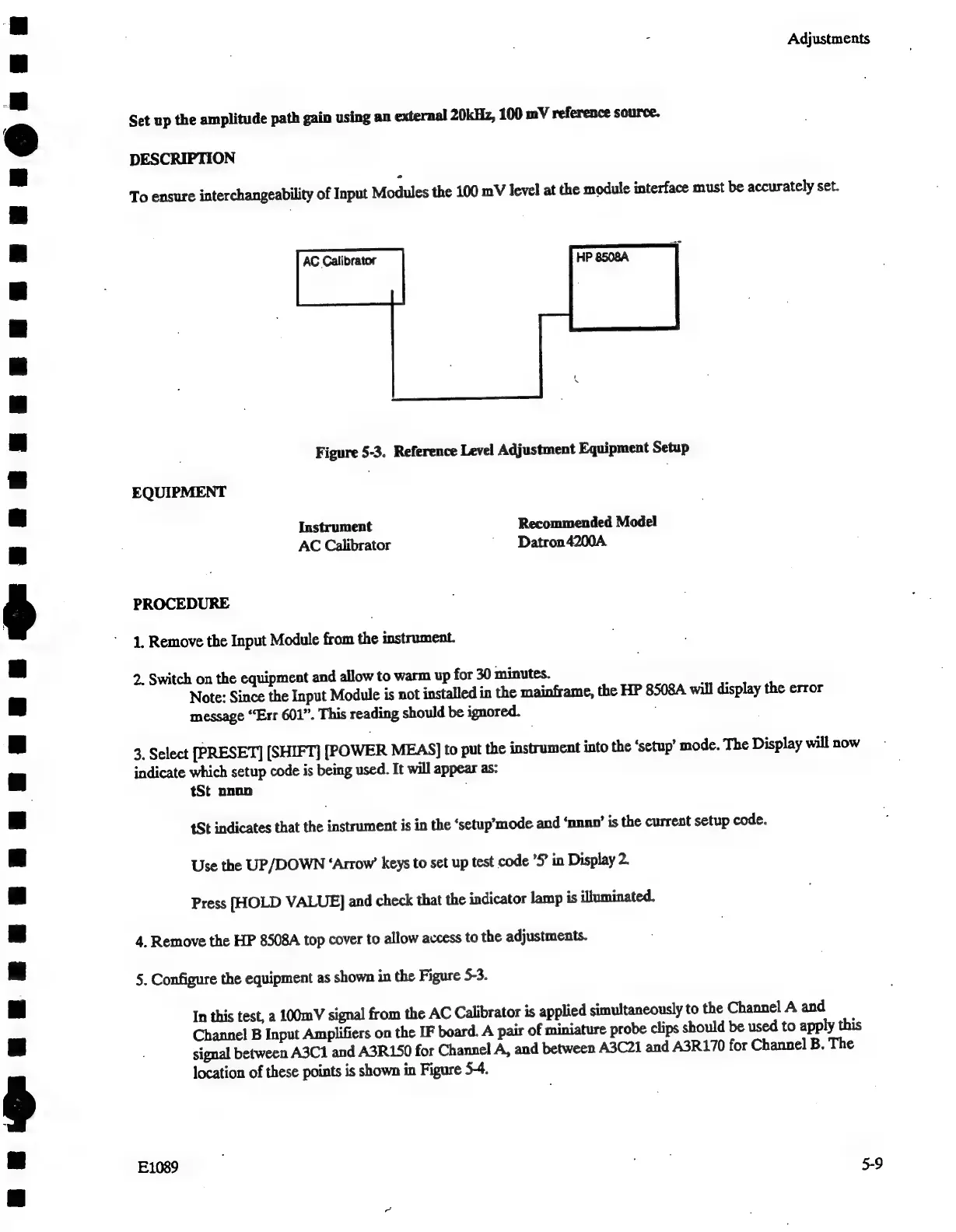
Figure
5-3.
Reference
Level
Adjustment
Equipment
Setup
EQUIPMENT
Instrument
Recommended
Model
AC
Calibrator
Datron4200A.
PROCEDURE
1.
Remove
the
Input
Module
from
the
instrument.
2.
Switch
on
the
equipment
and
allow
to
warm
up
for
30
minutes.
Note:
Since
the
Input
Module
is
not
installed
in
the
mainframe,
the
HP
8508A
will
display
the
error
message
“Err
601”.
This
reading
should
be
ignored.
3.
Select
[PRESET]
[SHIFT]
[POWER
MEAS]
to
put
the
instrument
into
the
‘setup’
mode.
The
Display
will
now
indicate
which
setup
code
is
being
used.
It
will
appear
as:
tSt
nnnn
tSt
indicates
that
ditearinen
is
in
the
‘setup’mode
and
‘nnno’
is
the
current
setup
code.
Use
the
UP/DOWN
‘Arrow’
keys
to
set
up
test
code
’S
in
Display
2.
Press
[HOLD
VALUE]
and
check
that
the
indicator
lamp
is
illuminated.
4.
Remove
the
HP
8508A
top
cover
to
allow
access
to
the
adjustments.
5.
Configure
the
equipment
as
shown
in
the
Figure
5-3.
In
this
test,
a
100mV
signal
from
the
AC
Calibrator
is
applied
simultaneously
to
the
Channel
A
and
Channel
B
Input
Amplifiers
on
the
IF
board.
A
pair
of
miniature
probe
clips
should
be
used
to
apply
this
signal
between
A3C1
and
A3R150
for
Channel
A,
and
between
A3C21
and
A3R170
for
Channel
B.
The
location
of
these
points
is
shown
in
Figure
5-4.

Related product manuals