116
Changing Your Workstation’s Hardware Configuration
Installing Storage Devices
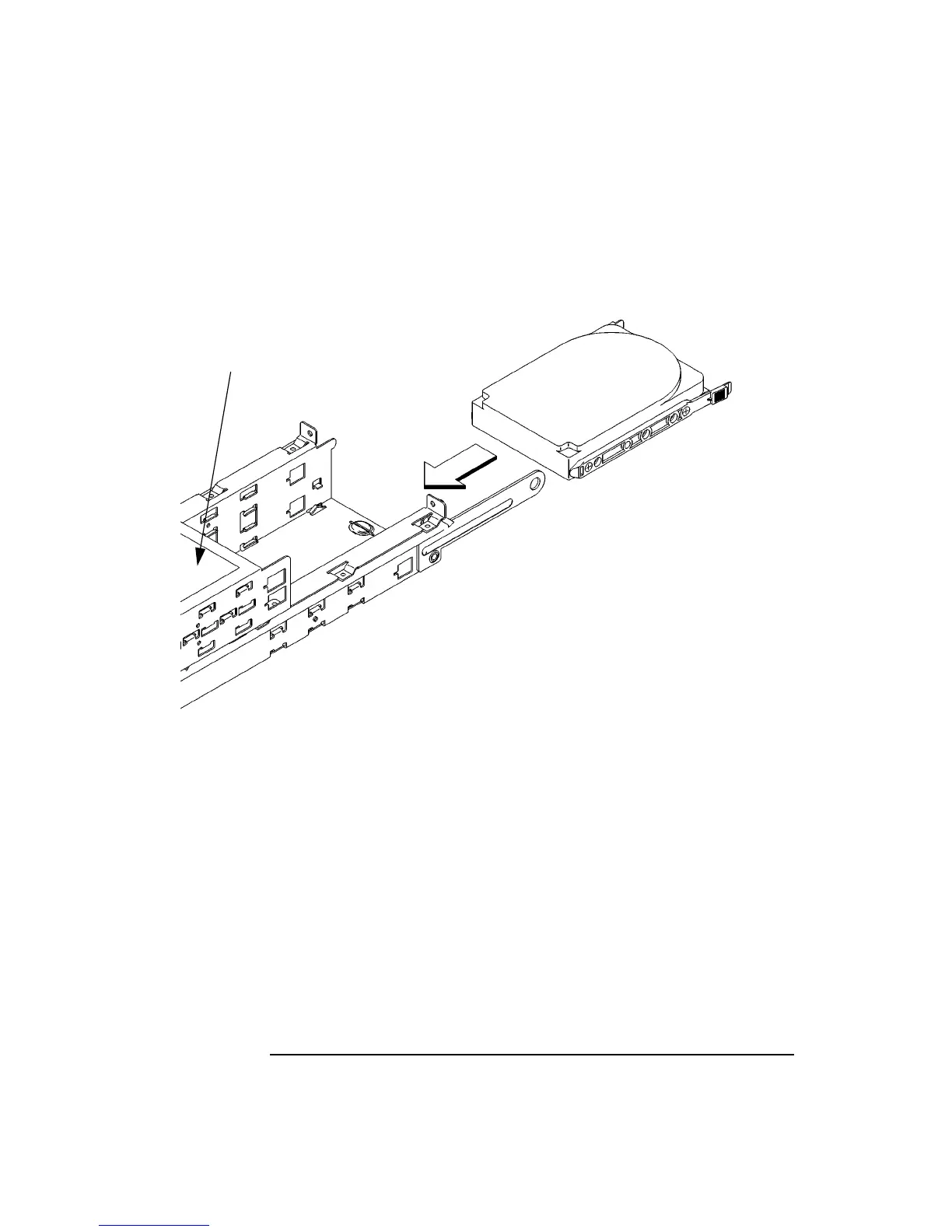
5 From the rear of the storage tray, line up the disk slides on the hard disk drive with
the position 3 or position 4 slots in the storage tray chassis and slide it into place,
as shown in Figure 35.
Figure 35 Installing a Hard Disk Drive
6 Push the storage device in until the locking tabs snap into place.
7 Connect the SCSI data cable and the power cable to the drive.
Cable Routing Label



 To Next Page