117
Changing Your Workstation’s Hardware Configuration
Installing Storage Devices
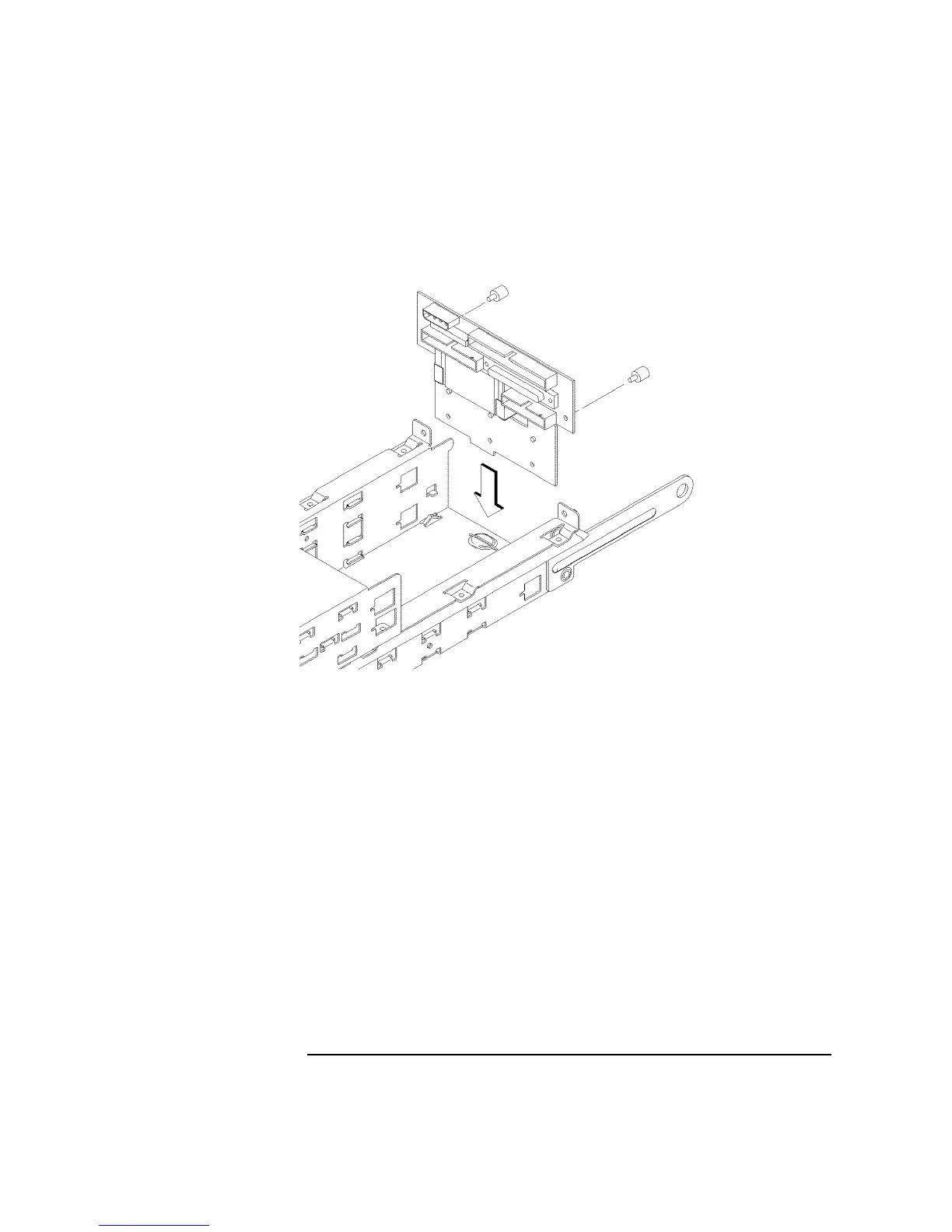
8 Slide the disk interconnect board into the storage tray, as shown in Figure 36.
Figure 36 Installing the Disk Interconnect Board
9 Reconnect the user interface cable, fan cable, and the disk drive data and power
cables to the disk interconnect board.
10 Replace the fan bracket.
11 Replace the disk interconnect board retaining screws and tighten them firmly, as
shown in Figure 36.
12 Proceed to the section entitled “Replacing the Storage Tray.”



 To Next Page