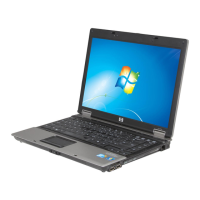
8. Lift the display assembly straight up and remove it (2).
9.
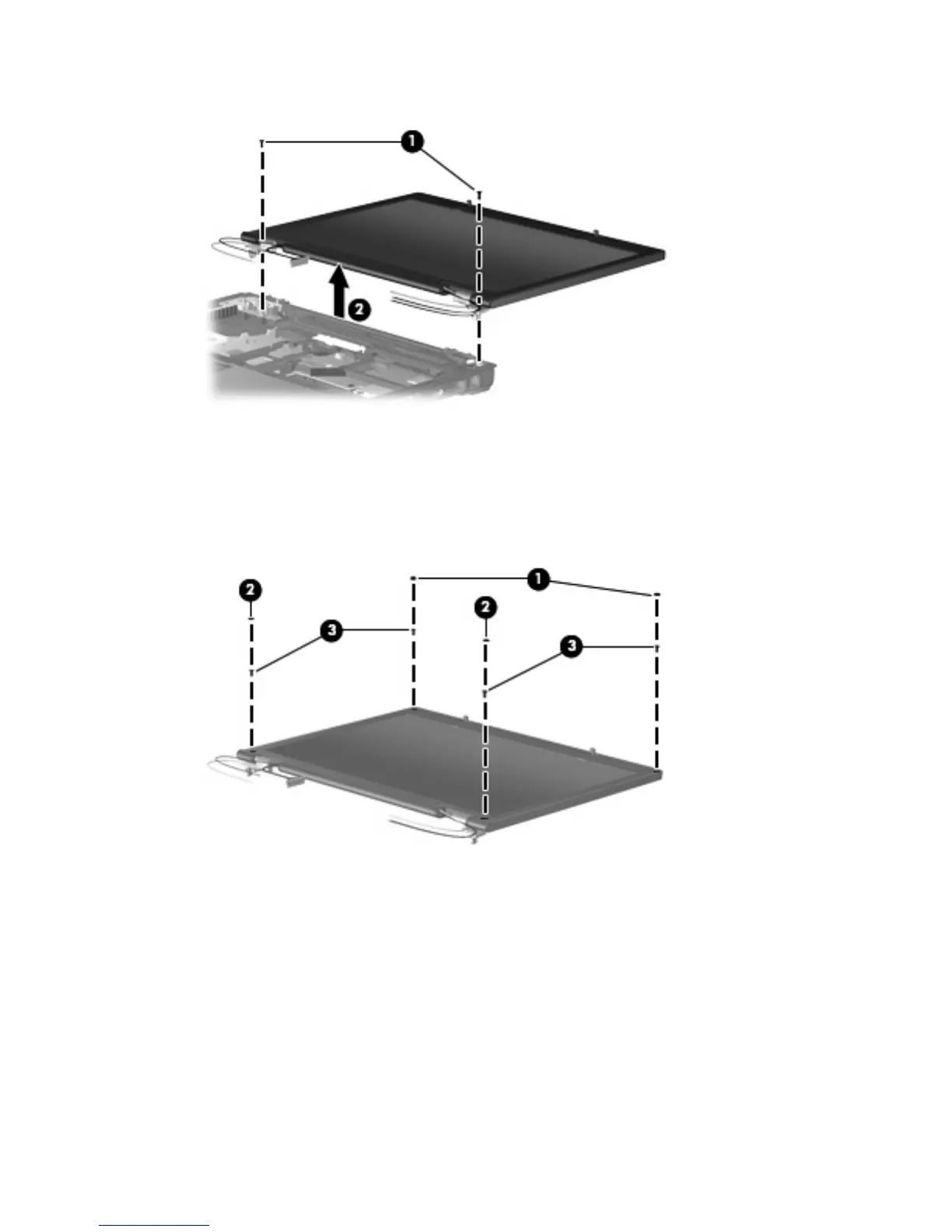
If it is necessary to replace the display hinges, remove the following:
(1) Two rubber screw covers on the display bezel top edge
(2) Two rubber screw covers one the display bezel bottom edge
(3) Four Torx T8M2.5×6.0 screws
10. Flex the inside edges of the left and right sides (1) and the top and bottom sides (2) of the display
bezel until the bezel disengages from the display enclosure.
Component replacement procedures 73



 To Next Page
 Loading...