Bezel Blanks
1. Prepare the computer for disassembly (Preparation for Disassembly on page 83).
2. Remove the access panel (
Access Panel on page 84).
3. Remove the front bezel (
Front Bezel on page 85).
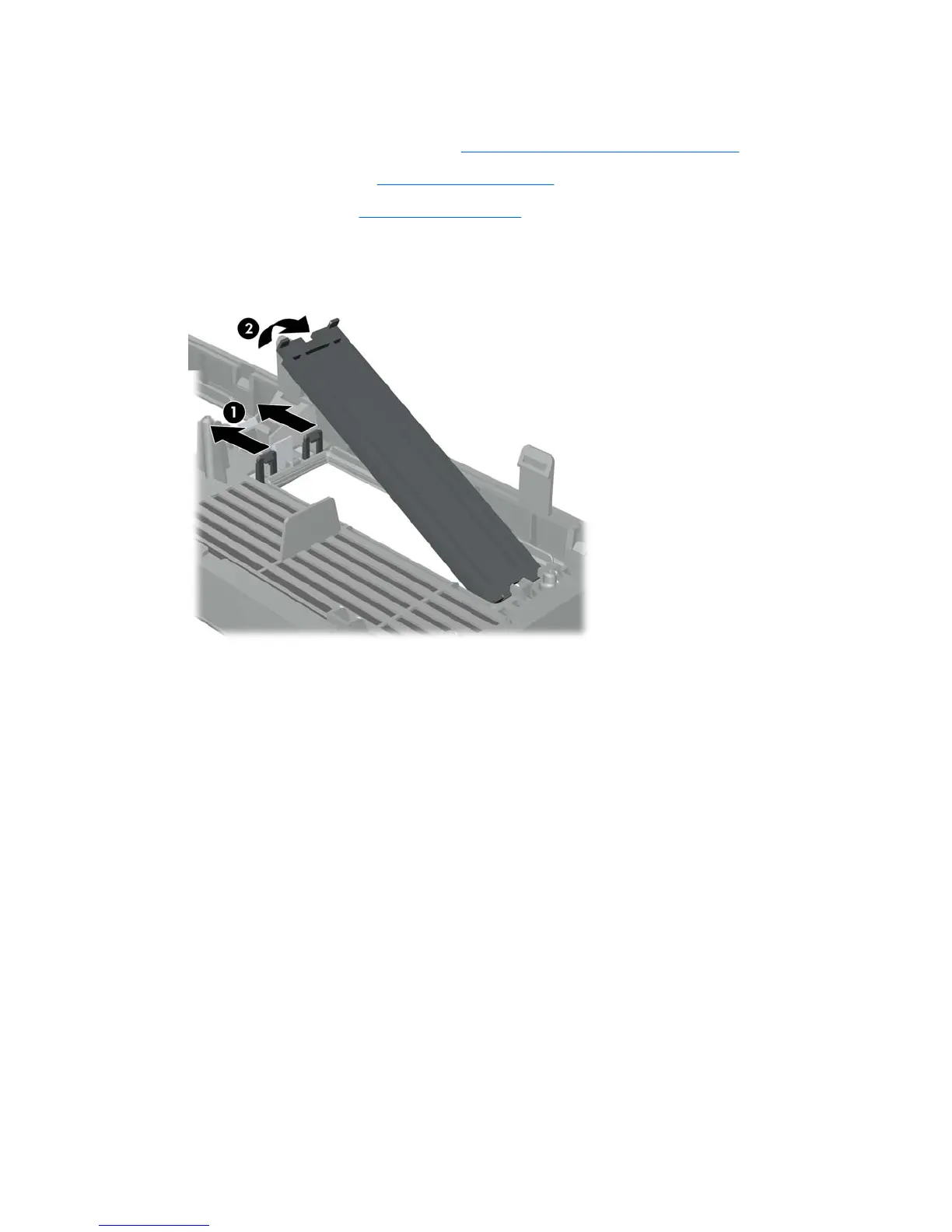
4. While facing the inside of the front bezel, press the two retaining tabs on the right towards the outer
edge of the bezel (1) and pull the bezel blank inwards to remove it (2).
Figure 8-3 Removing a Bezel Blank
86 Chapter 8 Removal and Replacement Procedures Small Form Factor (SFF) Chassis










 To Next Page