4
2 Monitor features
This chapter provides an overview of the monitor’s features.
Features
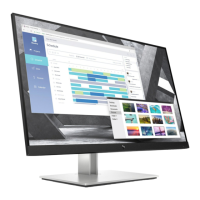
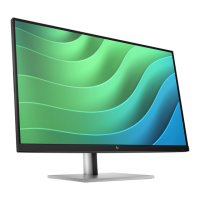
Depending on the model, your monitor might include the following features:
Display features
● 68.60 cm (27 in), plus full-screen support for lower resolutions; includes custom scaling for maximum image size
while preserving original aspect ratio
● True 8 bit (QHD only)
● sRGB 99%
● Antiglare panel with an LED backlight
● Touch screen capability (select products only)
● Ergonomic monitor setup guide (via the HP Display Center software) during first time use
● Tilt, swivel, height-adjustable, and pivot capabilities
● On-screen display (OSD) adjustments in several languages for easy setup and screen optimization
● Joypad OSD navigation
● Energy saver feature to meet requirements for reduced power consumption
● HP Eye Ease (TUV Low Blue Light Hardware Solution, certified and with a 75 Hz Max Refresh rate)
● Compatible with displays software including:
– HP Display Center
– HP Display Manager
● Secure firmware updates with HP Display Center
● Security cable slot on the rear of the monitor for an optional security cable
● Cable management feature for placement of cables and cords
Connectors
● DisplayPort™ video input
● High-Definition Multimedia Interface® (HDMI®) video input
● USB Type-B port
● USB Type-A port
● Plug and Play capability, if supported by your operating system


 To Next Page