11
2.3 Connecting to Power
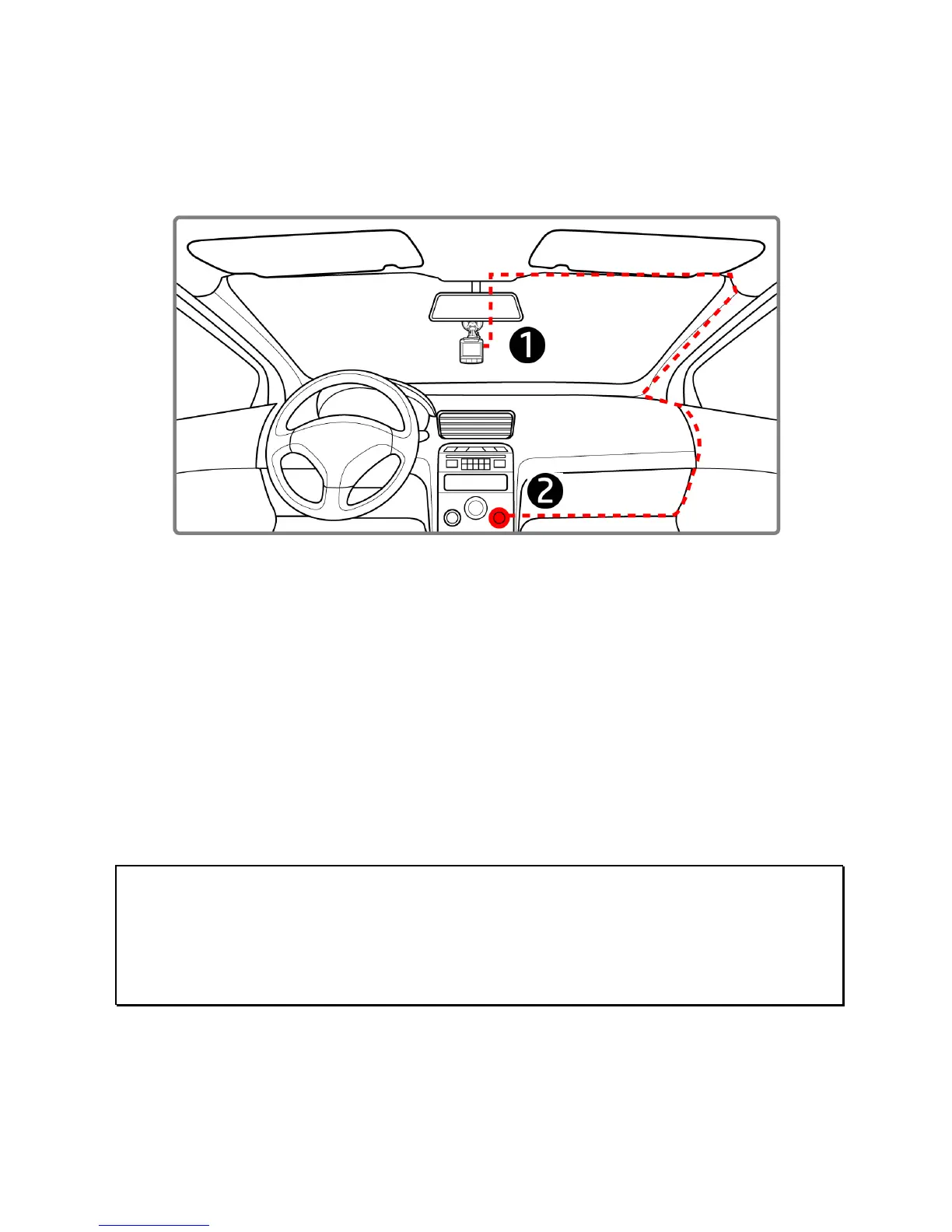
Use only the supplied car adapter to power up the device and charge the
built-in battery.
1.
Connect one end of the
car adapte
r to the USB connector of the
ca
mcorder.
2. Plug the other end of the car charger to the cigarette lighter sock
et
o
f your vehicle. If the socket is powered
on when the
ignit
ion/engine is started, the camc
order will automatically will
power up and begin recording in
3 or 5 minute loop inte
rvals.
When the ignition/
engine is shut off, the camcorder
will
a
utomatically stop recording and shutdown.The vehicl
e engine is
st
arted, the camcorder automatically powers on.
Note:
1. The orange LED lights up while the battery is charging.
2. Please take note if the environment temperature reaches 45°C or above, the car adapter still can
supply power to camcorder, but it may not charge the battery. This is characteristic of Lithium
polymer battery and is not a malfunction.



 To Next Page