14
3. Using the Car Recorder
3.1 Recording Videos
3.1.1 Record videos while driving
When the vehicle engine starts up and the Automatic Record function is
enabled, the camcorder automatically turns on and starts recording.
Recording will automatically stop when the engine is switched off.
Or, press the
button to stop recording manually.
No
te:
On some cars, the recording will continue when the engine is switched off.
If this happens, do one of the following:
- Manually turn off the cigarette lighter socket if possible.
- Remove the car adapter from the cigarette lighter.
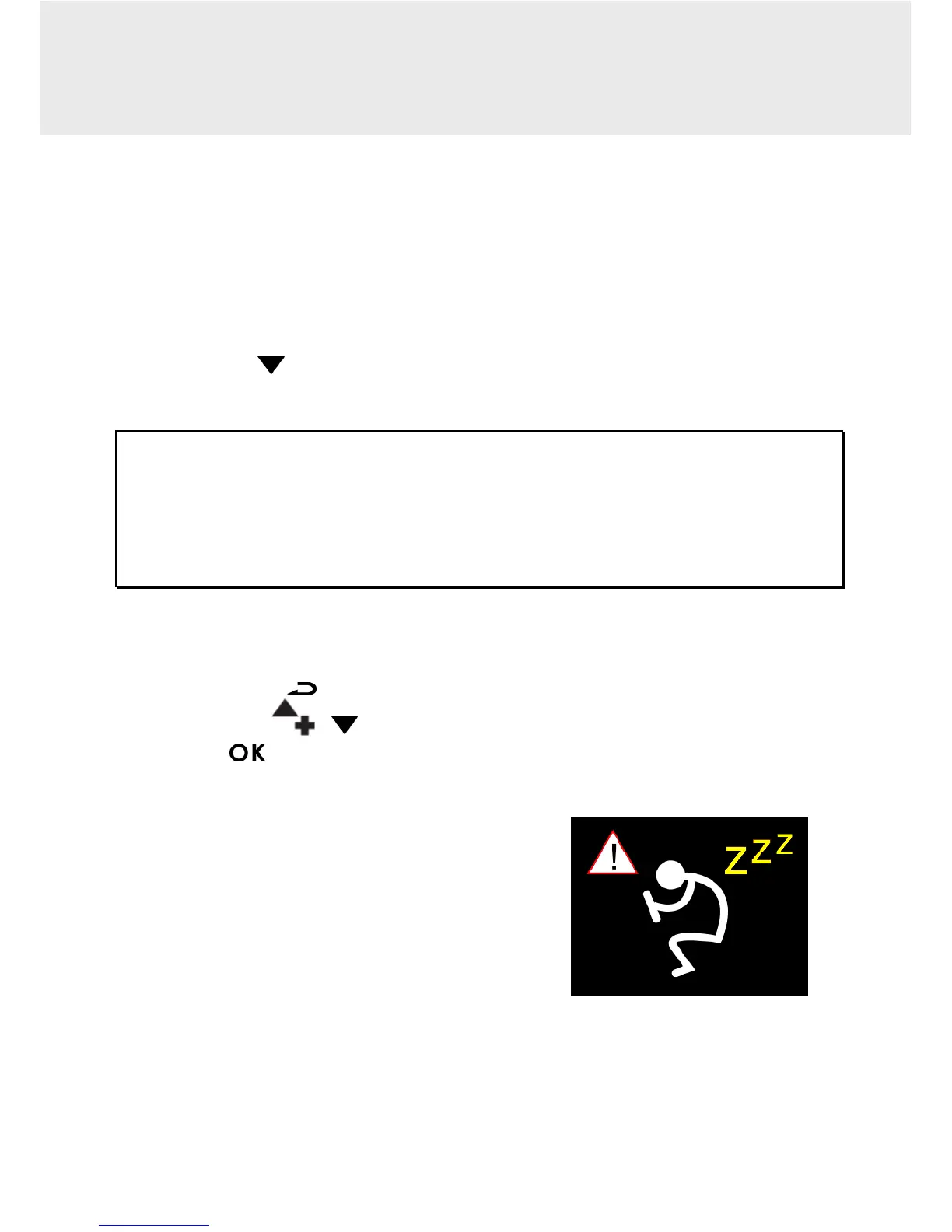
3.1.2 Driver Fatigue Alert Function
1. Press the button to enter the OSD menu.
2. Press the /
button to select Driver Fatigue Alert and press
the
button.
Driver Fatigue Alert function will remind
the driver should take a rest after
continuing to drive for over one hour via ‘’
bi bi sound ‘’ from the device and also the
alert picture ( as illustrated ) will appear on
the LCD screen. The camcorder will remind
the driver again after each additional 30
minute interval.



 To Next Page