9
Prompt : reset
of date / time
This is an indicator to set the date and time
before recording use.
10
Stop Record
icon
Press the button to stop video recording.
11
Emergency
Video Record
icon
Press the
button to manually begin
Emergency Video recording. In this mode, video
will be recorded to a single file until manually
stopped.
3.1.6 Taking Photographs
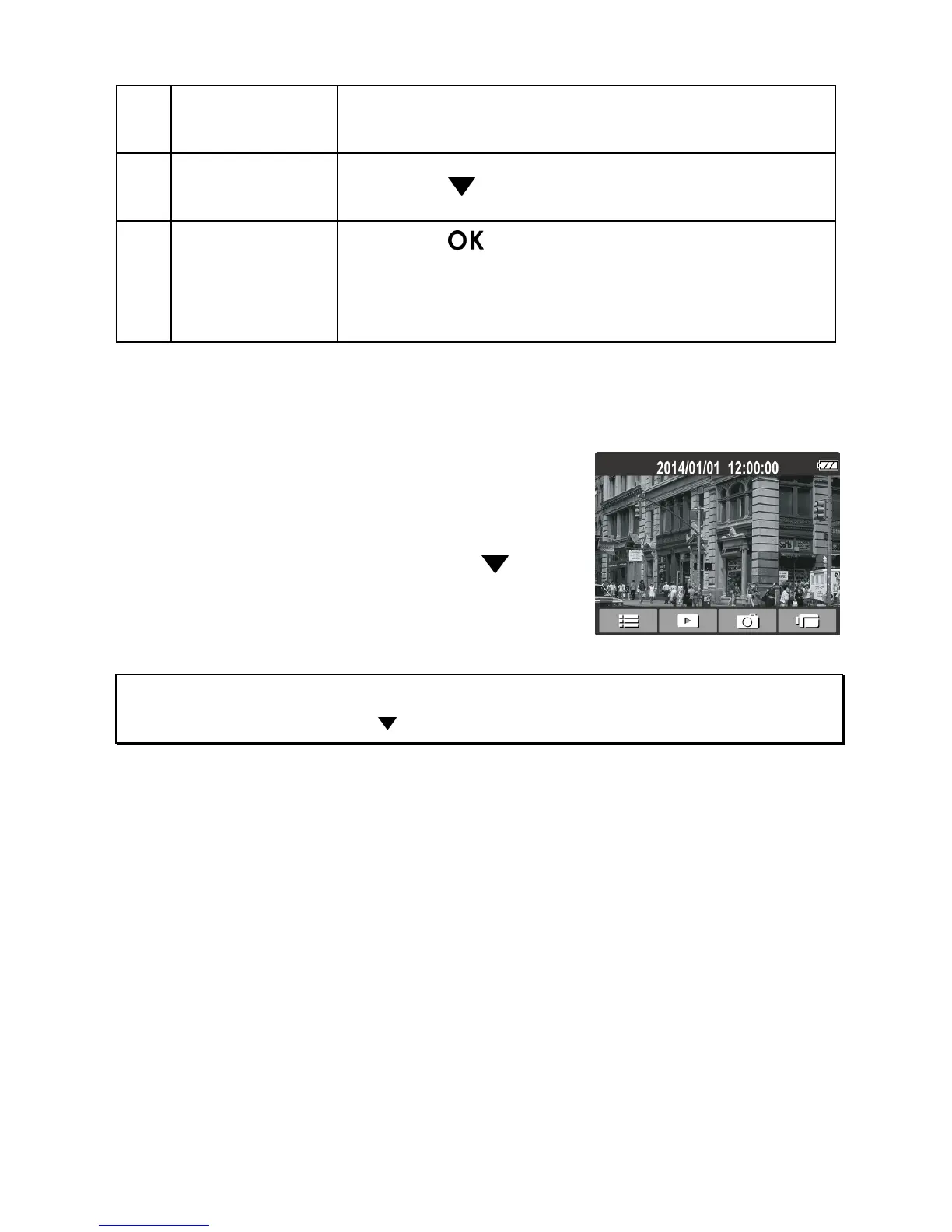
You can also use t
his camcorder to take
photos of the current scene.
When not recording video, press the
but
ton to take a photo.
Note:
If recording is in progress, press the button to stop the recording first.



 To Next Page