18
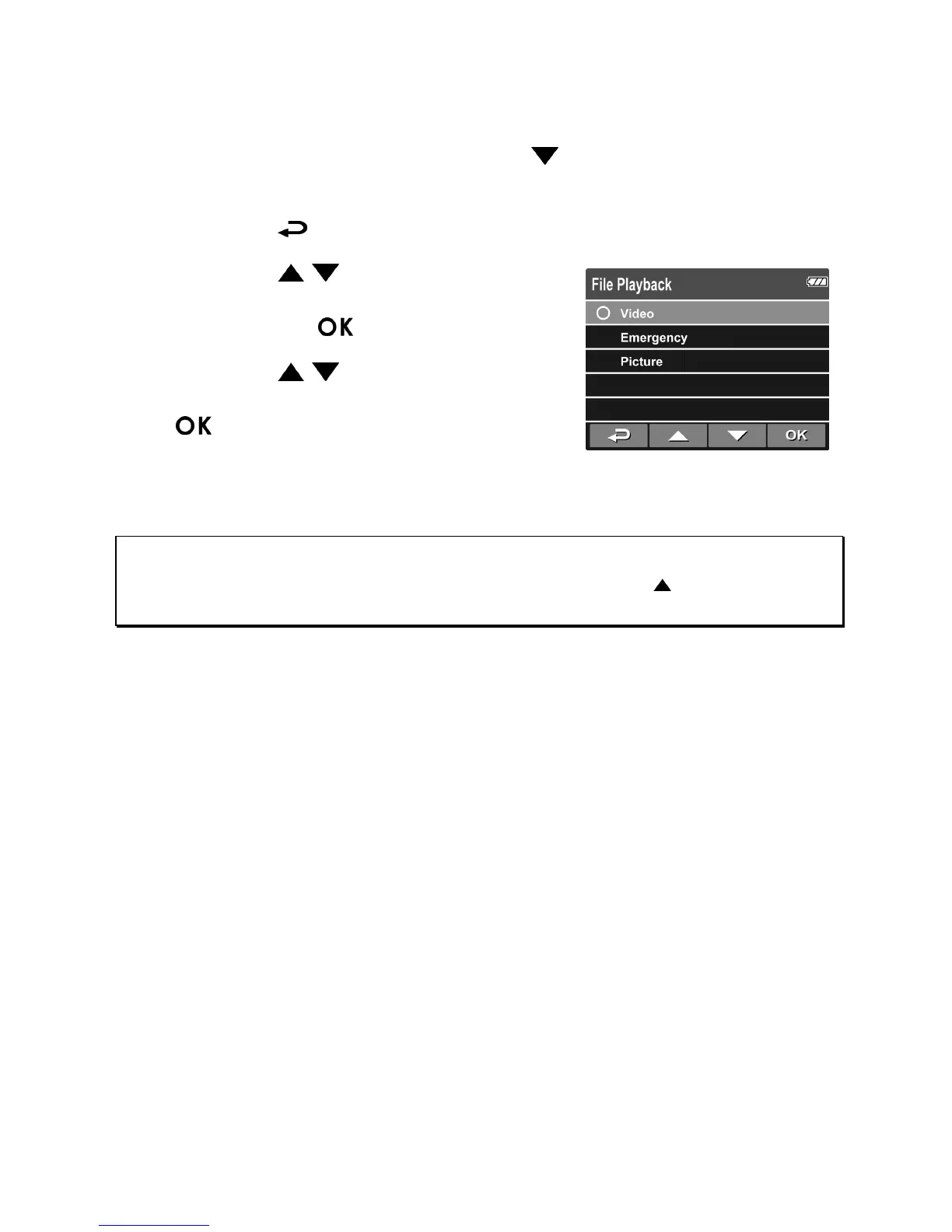
3.2 Playback Videos and Photos
1. If recording is in progress, press the button to stop recording.
The standby screen is displaye
d.
2.
Press the
button to enter the OSD menu.
3. Press the
/ button to select the
fi
le category that you want to browse
and press the
button.
4. Press the
/ button to view the
next or the
previous file and press th
e
button to view the file in full
screen.
Note:
From the standby screen, you can directly enter Playback mode by pressing button. The last
recorded video is displayed on the screen.



 To Next Page