32
4.2 Wi-Fi connection
1. Press the Power button to switch on the camcorder.
2. Enter Menu and go to Wi-Fi option; choose “ON” to activate the
wireless network.
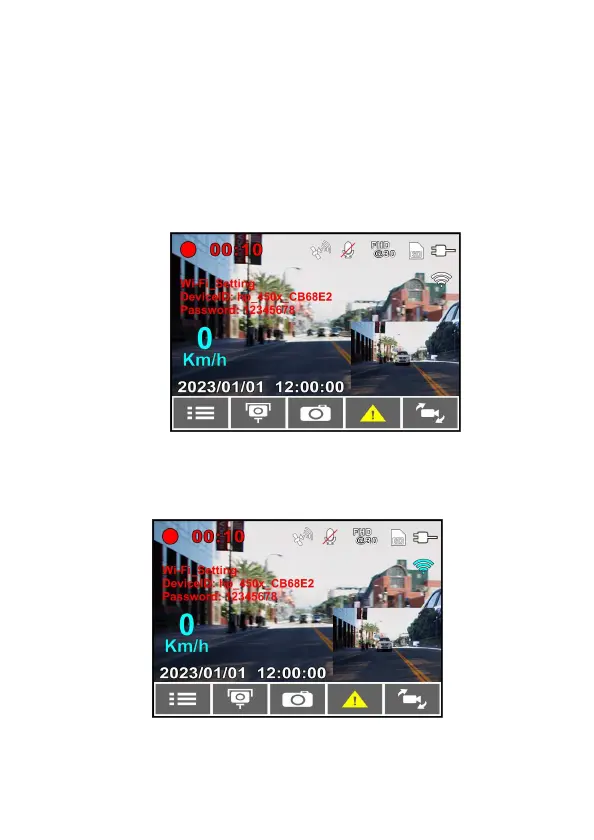
3. The camcorder’s screen will display Wi-Fi Device ID and Password.
Using the Wi-Fi function of your smart phone, search for the
camcorder ID “hp_f450x_xxxxxx” from the list (last 6 numbers are
system random numbers). Enter default password 12345678.
4. There is a Wi-Fi icon on the camcorder’s screen. Once the icon turns
to blue, your connection has been successfully established.



 To Next Page