36
Note:
1. The App will auto sync the camera's date/time with your smartphone.
2. App layout and features are subject to change, depending on the software
version. Refer to the Google Play Store or iOS App Store for the latest updates.
3. Android phones please download Google Offline Maps in advance. Firstly, update
Google Maps to the latest version, open the Google Maps app, click on the user
account picture above, and click "Offline Area", select "Custom Area", select the area
where you want to download the offline map, confirm and press "Download".
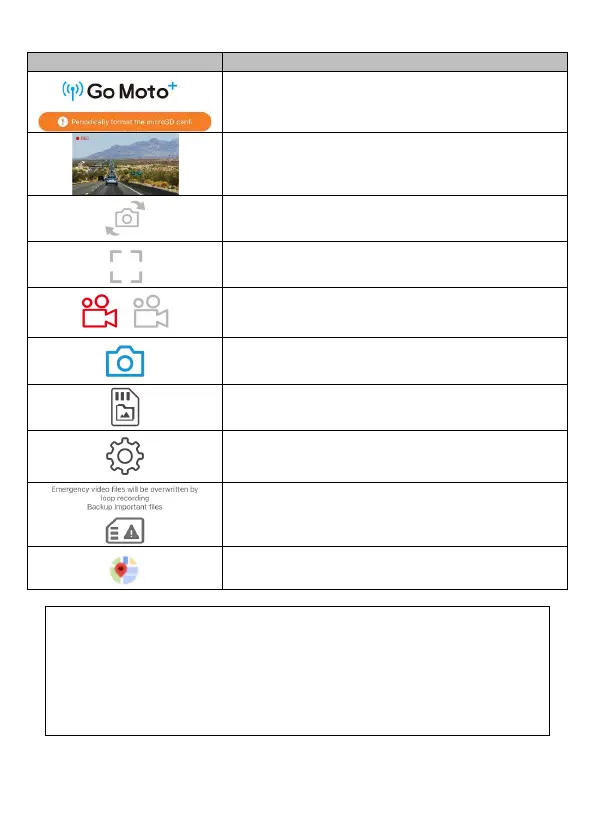
icon Description
/
Go Moto Plus logo / memory card message
Preview
Switch front and rear camcorder preview
Full screen display
/
Start/Stop Record
Snapshot
Camera File. Recorded files in microSD card.
Camera Setting
Note: The emergency videos folder in mic
reaches capacity, and will be overwritten by new
recordings. Please back up important files. This
message icon will eliminate after backup.
Map and driving track



 To Next Page