40
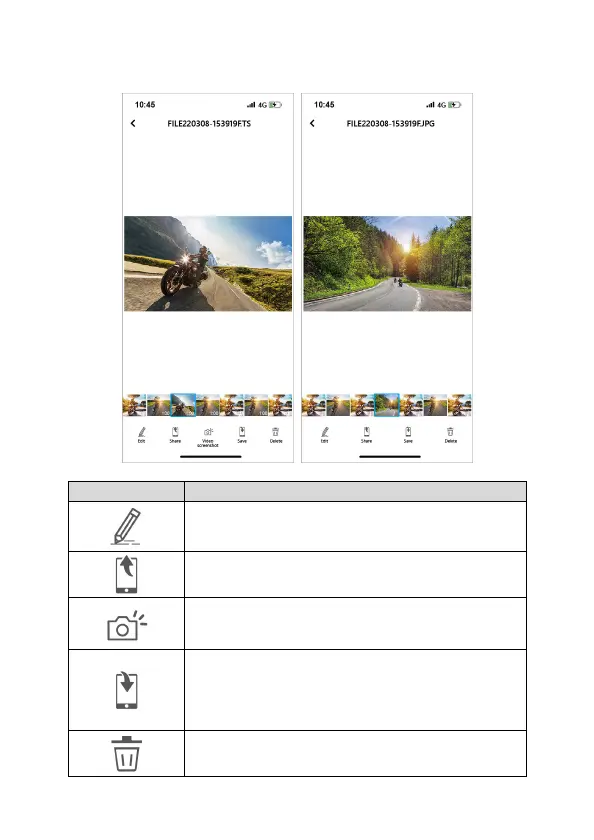
2. Tap the file from preview thumbnail to playback, delete or edit.
Icon Description
Edit the video or photo. (refer to next step for details.)
Share the video or photo to social media.
Video screenshot.
Save the video or photo to smartphone’s album. When
the file is saved, the screen will show a message of
“Save to smartphone's album successfully.” and
smartphone’s album will automatically create a folder
named “Go Moto Plus”.
Delete the downloaded file in App’s Album. The file in
the microSD card in the camera is still existed.



 To Next Page