14
3. Using the Camcorder
3.1 Recording Videos
3.1.1 Auto Recording
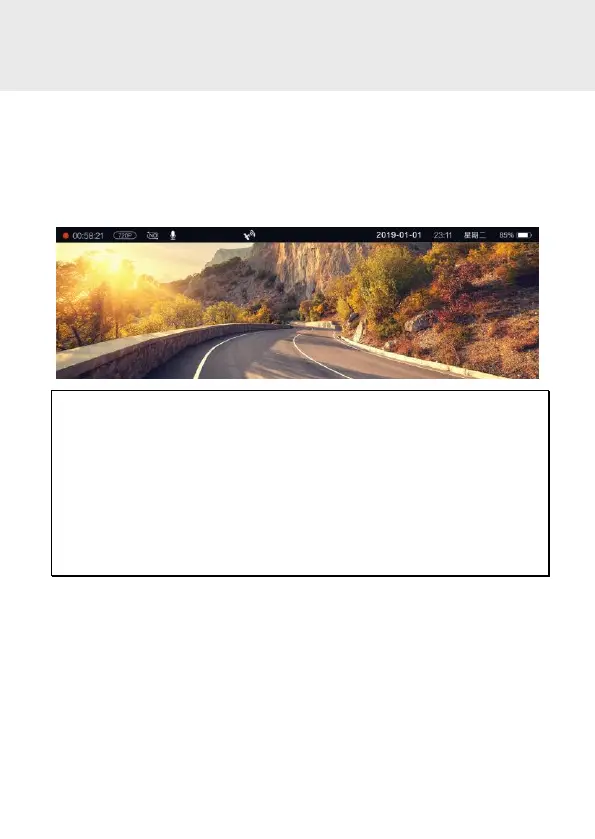
When the vehicle engine starts up, the camcorder automatically turns on
and starts recording.
Recording will automatically stop when the engine is switched off.
Note:
1. On some cars, the recording will continue when the engine is switched off. If this
happens, please manually turn off the cigarette lighter or remove the car adapter
from the cigarette lighter.
2. It can be configured to save a video file for every 1 minute, 3 minutes or 5 minutes
of recording.
3. The camcorder saves the recording in the memory card. If the memory card capacity
is full, the oldest file in the memory card will be overwritten.
4. The files taken by front main camcorder and rear camera will be saved separately in the
[FRONT] and [BACK] folder.



 To Next Page