18
Note:
1. GPS function is limited in certain areas. Please contact dealer for details.
2. Once activate the GPS function, when GPS is positioned, the icon will change from
white to blue .
3. If GPS function is not activated from Menu, even you plug in the GPS accessory, the
function is not workable.
3.4 Rear Camera (Option)
Please power off the camcorder firstly, then plug the optional rear
camera into AV port on the camcorder.
Note:
1. Rear camera doesn’t support hot plug-n-play. Please power off the main camcorder
before plug into rear camera.
2. Press
button to switch main camcorder and rear camera preview image.
3.5 File Browse
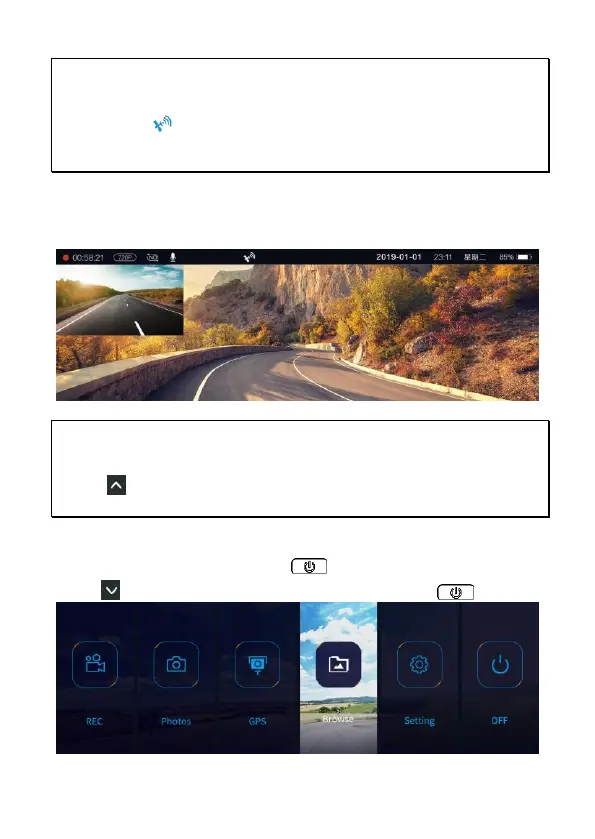
In the recording screen, long press button to enter the OSD menu.
Press a few times to select [Browse] card, and press to enter.



 To Next Page