22
3.8 Driving Report
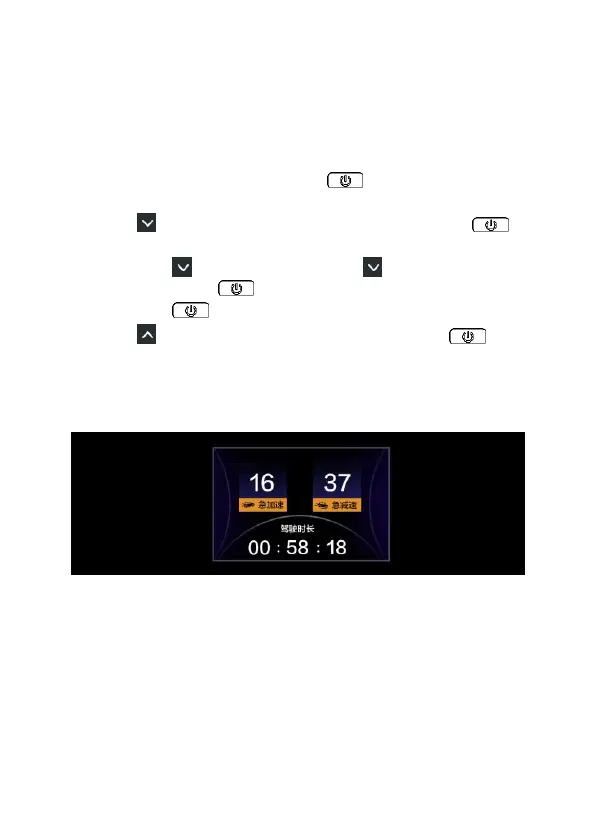
When the car engine turns off and before car camcorder completely
power off, the driving report will show driving time, sudden break times
and sudden speed times of this journey.
To activate the Driving Report, do the following,
1. In the recording screen, long press button to enter the OSD
menu.
2. Press a few times to select [Setting] card, and press to
enter.
3. Long press to System option, press to Driving Report
setting, and press once to turn it on.
4. Long press to return to Menu.
5. Press a few times to select [REC] card, and press to
enter recording preview image.
6. When car’s engine is turned off, before car camcorder completely
power off, the driving report will show on the screen.



 To Next Page