17
3.3 GPS (Option)
Plug the optional GPS accessory into GPS port on the camcorder. Once
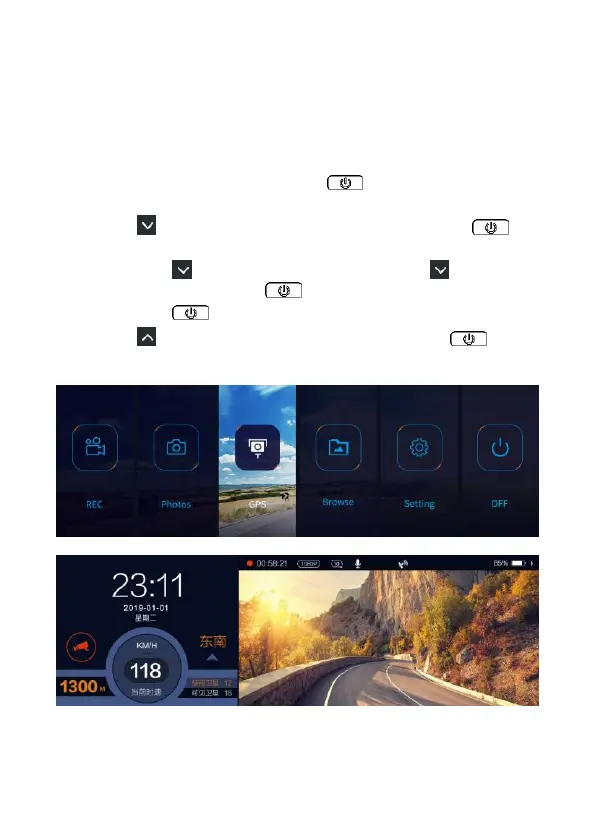
activate the GPS function, you can preview current car speed, speed cam
ahead, traffic lights and direction such information.
To activate GPS function, follow the below steps,
1. In the recording screen, long press button to enter the OSD
menu.
2. Press a few times to select [Setting] card, and press to
enter.
3. Long press two times to Setting option, press a few times
to GPS Setting, and press once to turn it on.
4. Long press to return to Menu.
5. Press a few times to select [GPS] card, and press to
enter recording and GPS info dual display image.



 To Next Page