19
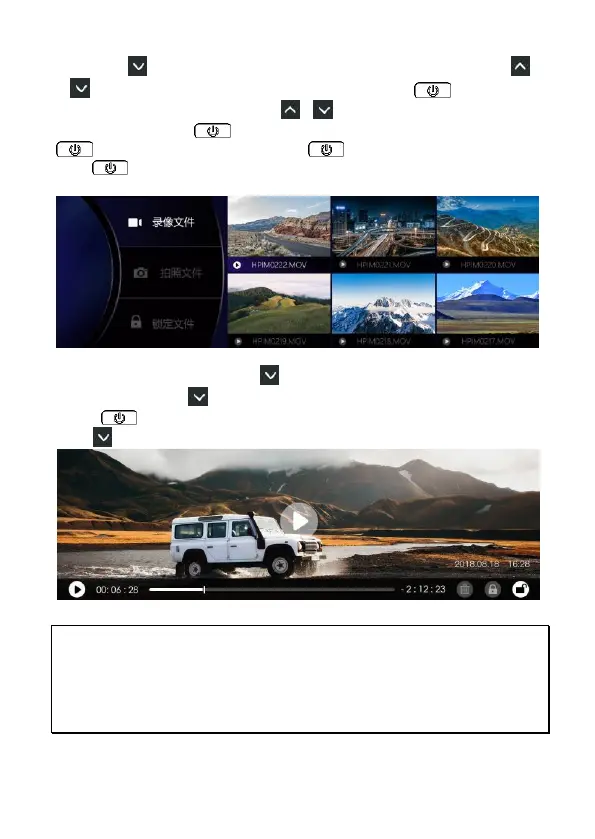
Long press button to select Video, Photo or Lock folder. Short press
or button to select FRONT or BACK folder, then press button to
enter the folder. Then, short press or button to select the file of your
preference and press button to check the file. Press once
button to playback the file, press button again to pause. Long
press button to return to previous page.
When check the file, long press button to jump to the icons on right
corner. Short press to select delete, lock or unlock icon. On any icon,
press button once to delete or lock or unlock current file. Long
press button to exit the file edit.
Note:
1. Deleted files CANNOT be recovered. Ensure the files you wish to preserve are
backup before deletion.
2. Use dual camera recording, no matter you delete the FRONT file or BACK file, the
other one will still exist and able to playback.



 To Next Page