12
2.3 Connecting to Power
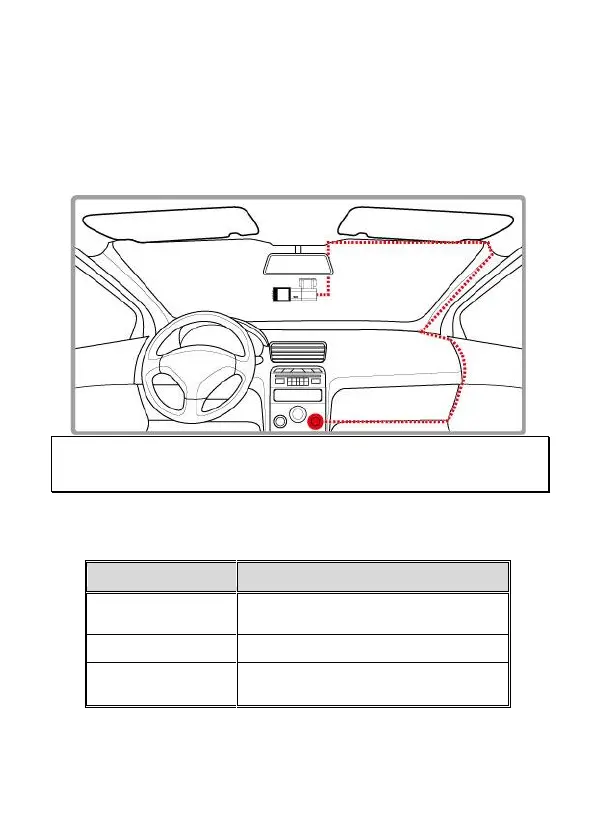
Use only the attached power connector for activating the camcorder.
1. Connect one end of power connector to power connector port on the
camcorder. USB port input: DC 5V / 2A.
2. Plug the other end of the car adapter to the cigarette lighter socket
of your vehicle. Once the vehicle engine is started, the camcorder
automatically turns on. Car charger input: DC 12 / 24V.
Note:
Use the products of the attached power charger only, please do not use other brand power charger, in
order to avoid equipment burn.
2.4 LED Indicator
Power off, connect
external power
Recording/ Recording
and screen off



 To Next Page