22
3.3.4 Driver Fatigue Alert
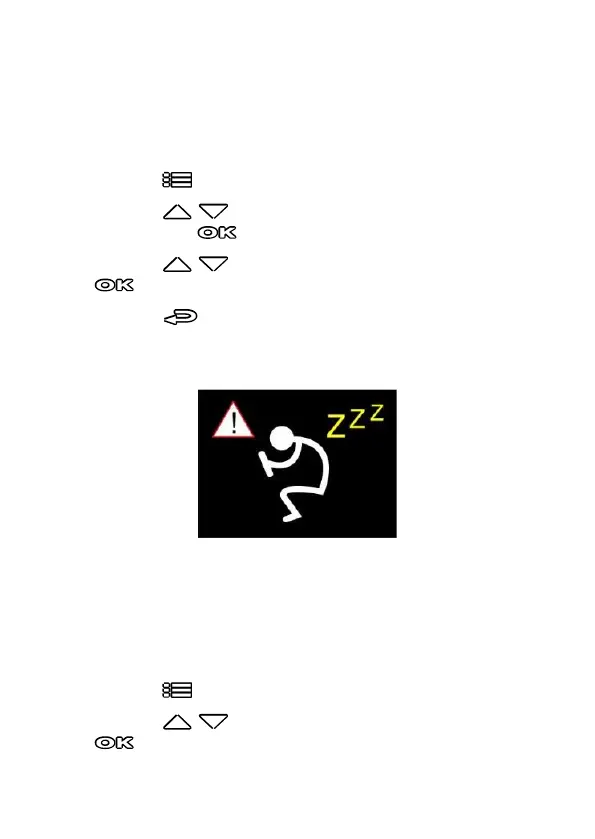
If the Driver Fatigue Alert function is enabled, this product produces
audible alert and screen message one hour after it has begun recording
and repeats the alerts every half hour afterwards.
To enable the Driver Fatigue Alert, do the following:
1. Press the button to enter the OSD menu.
2. Press the / button to select Driver Fatigue Alert, and
then press the button for entering function menu.
3. Press the / button to select On, and then press the
button to enable the function.
4. Press the button return to recording screen.
5. This product produces audible alert and screen message when
Driver Fatigue Alert activates.
3.3.5 LDWS
Once your car’s location is determined by GPS and the LDWS function is
enabled, this camcorder produces audible alert and screen message
when you drive off of or change lanes at speeds over 70 km/h (43 mph).
To set the LDWS (Lane Departure Warning Systems), do the following:
1. Press the button to enter the OSD menu.
2. Press the / button to select LDWS, and then press the
button for entering function menu.



 To Next Page